

Contour RollerMouse R.E.D.
Price range: $715.00 through $750.00
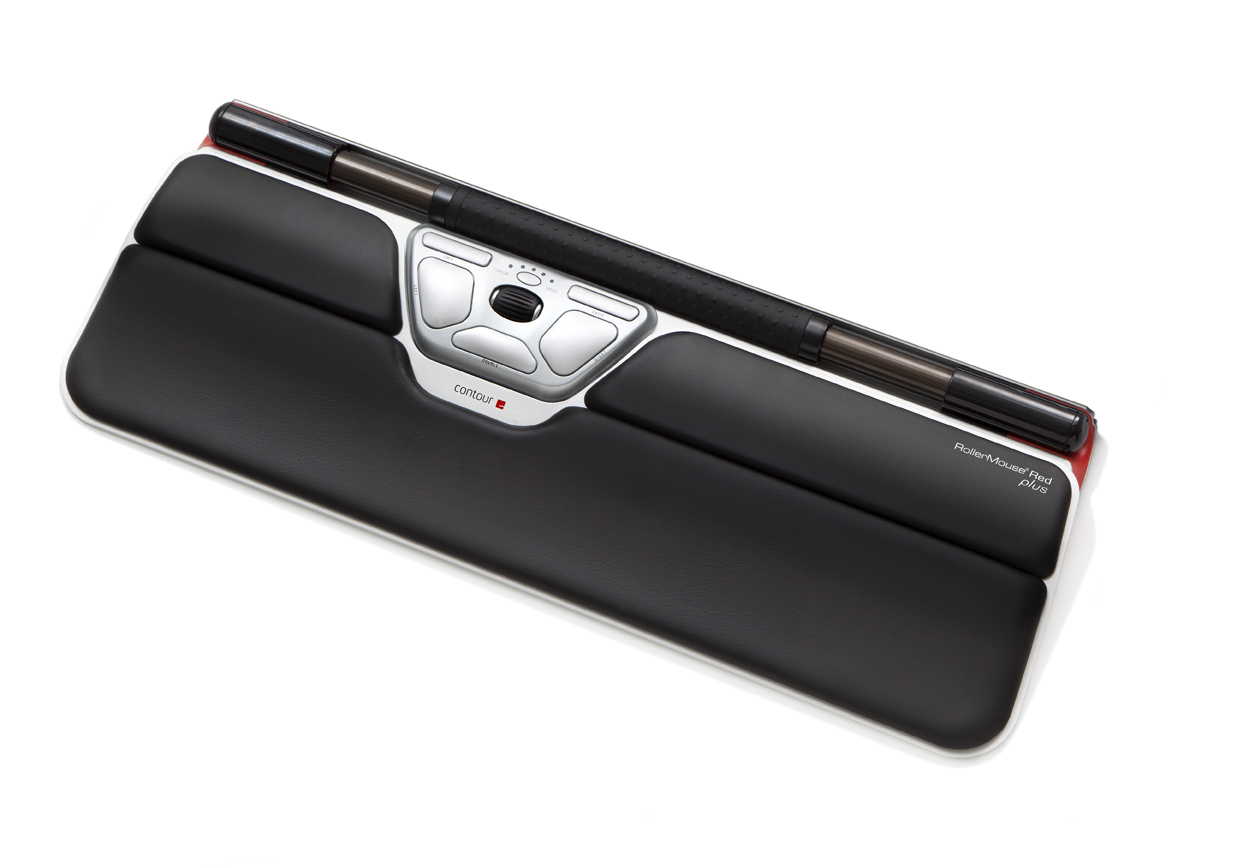
RollerMouse Red is the premier model in our in-line family of RollerMouse products. It features a larger rollerbar than its predecessors, and a left click that has been virtualized to minimize impact on your fingertips while providing unrivaled precision. RollerMouse Red is available in a regular and large size.
Description
RollerMouse Red
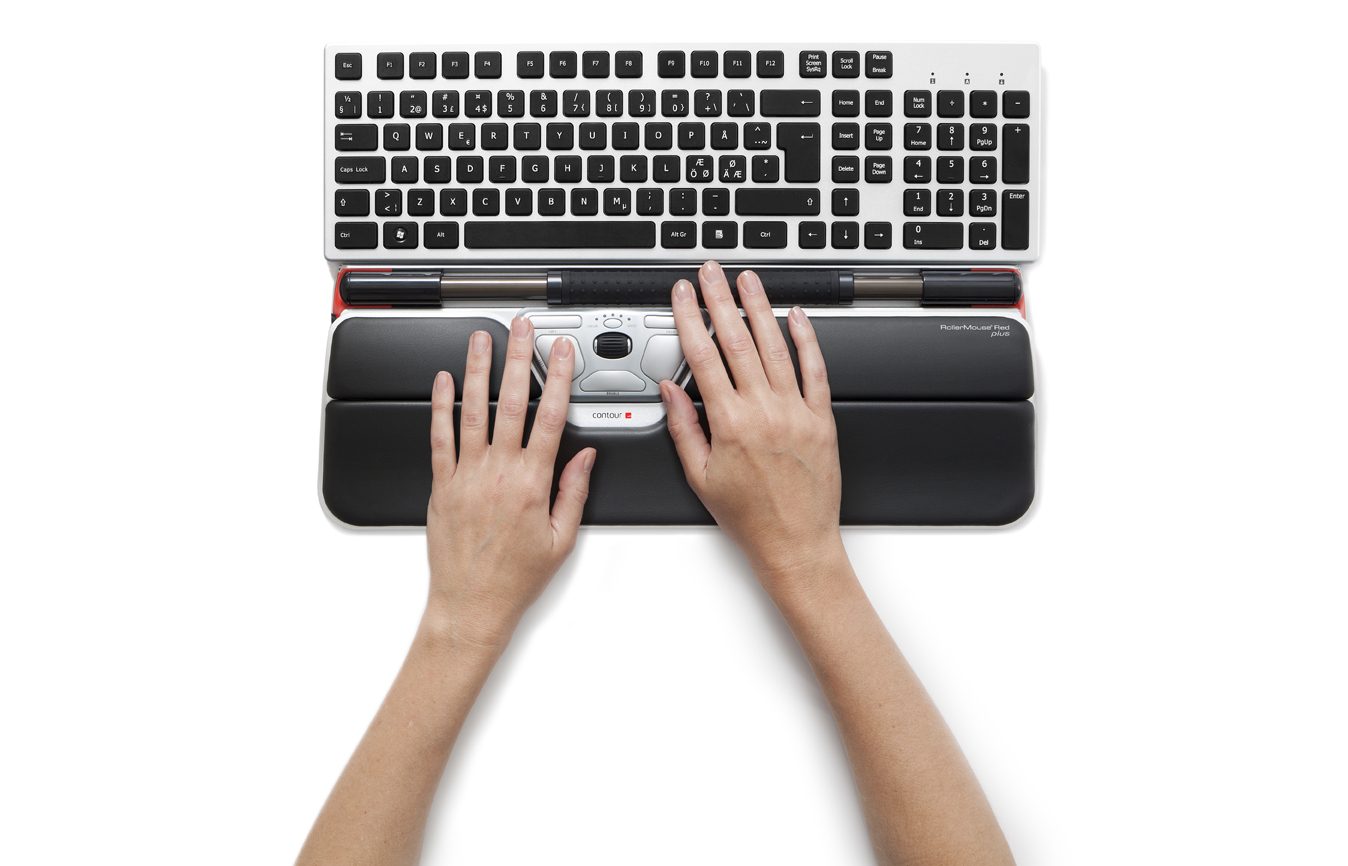
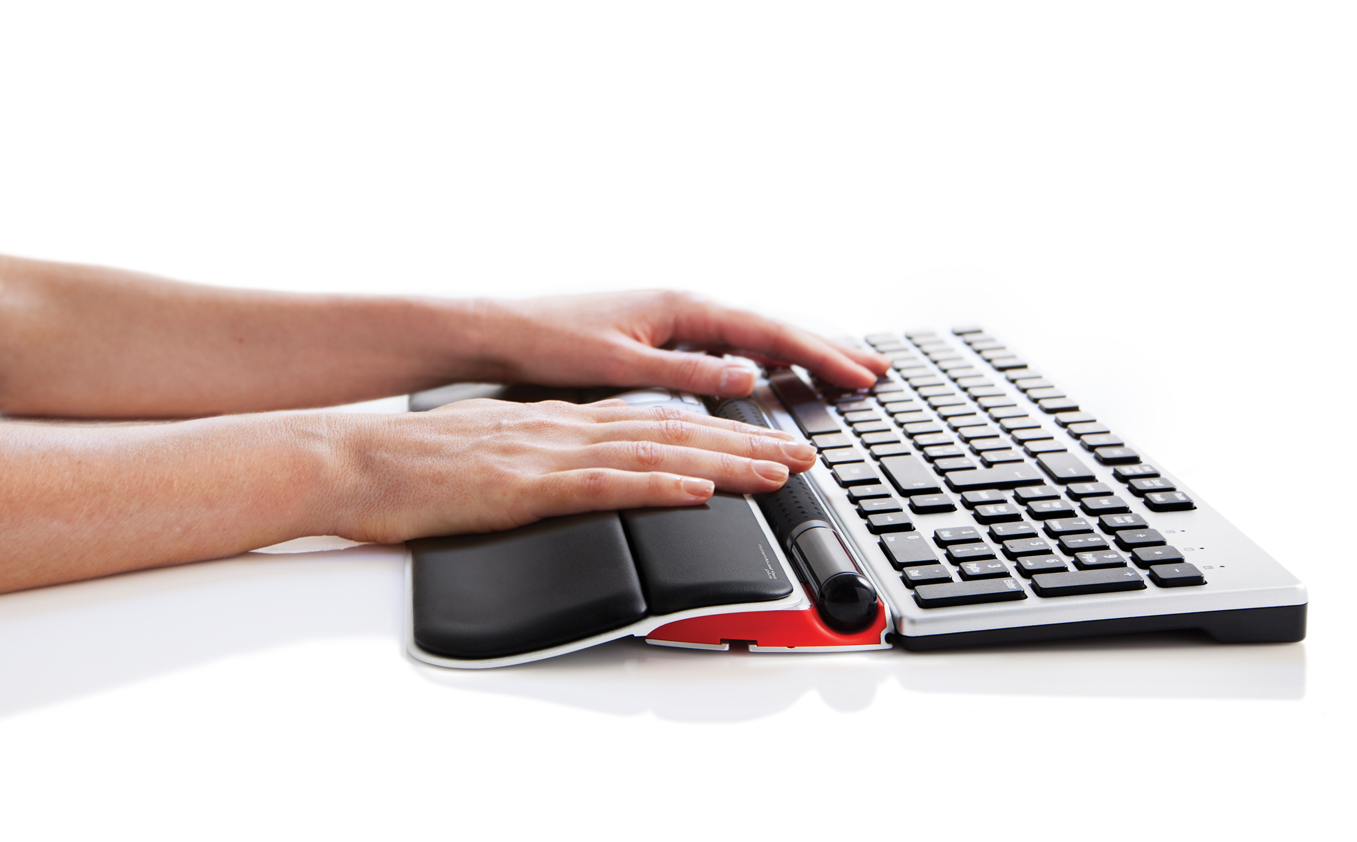
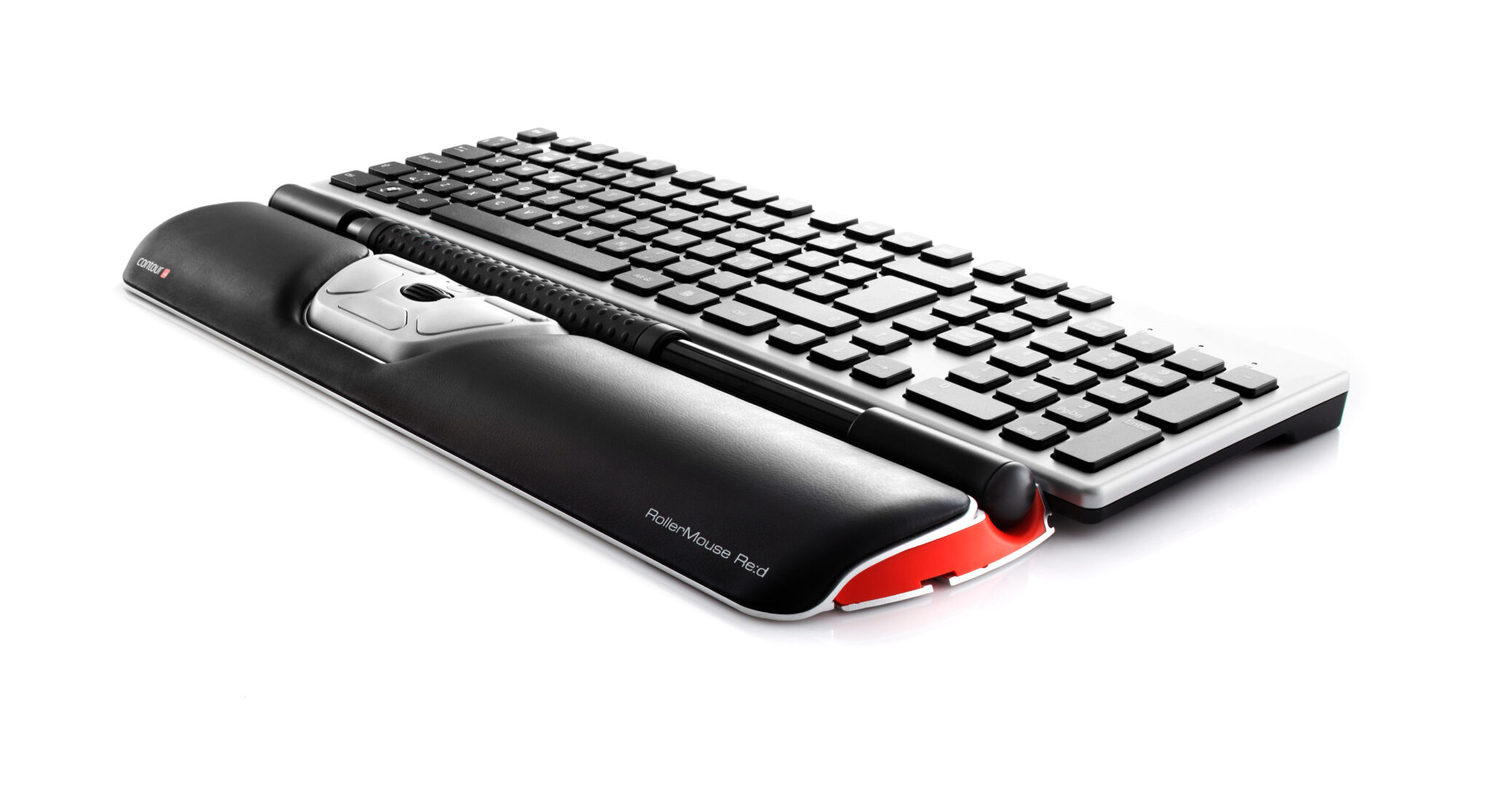
A centred mouse that sits in front of your keyboard, so your hands stay relaxed and your wrists stay neutral — no more reaching to one side, all day, every day.
Central positioning
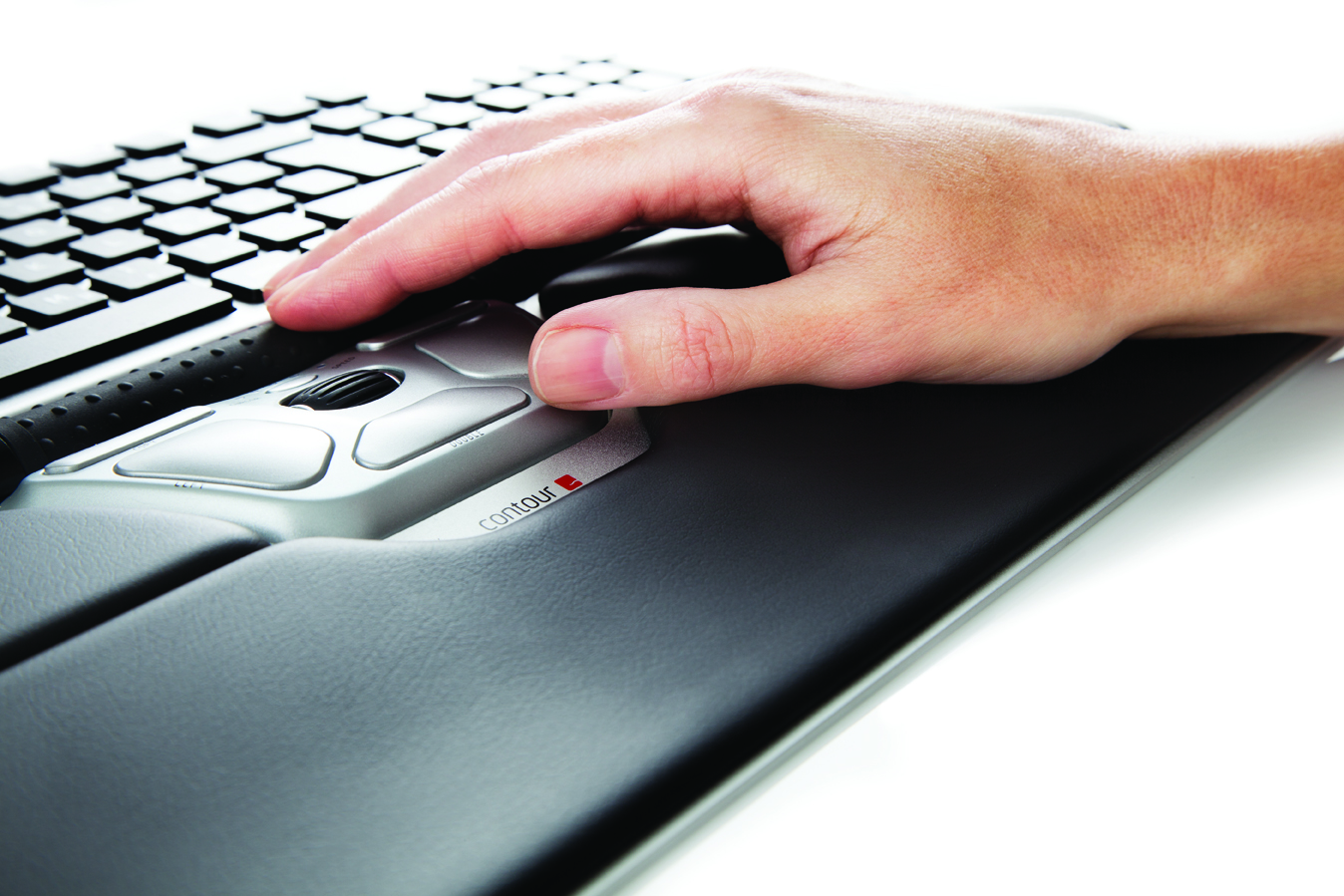
A traditional mouse sits off to one side, which means reaching outward every time you use it. RollerMouse Red sits directly in front of your keyboard instead, in your natural typing zone.
That one change removes the repeated reaching that drives a lot of shoulder, arm and neck strain over a working day.

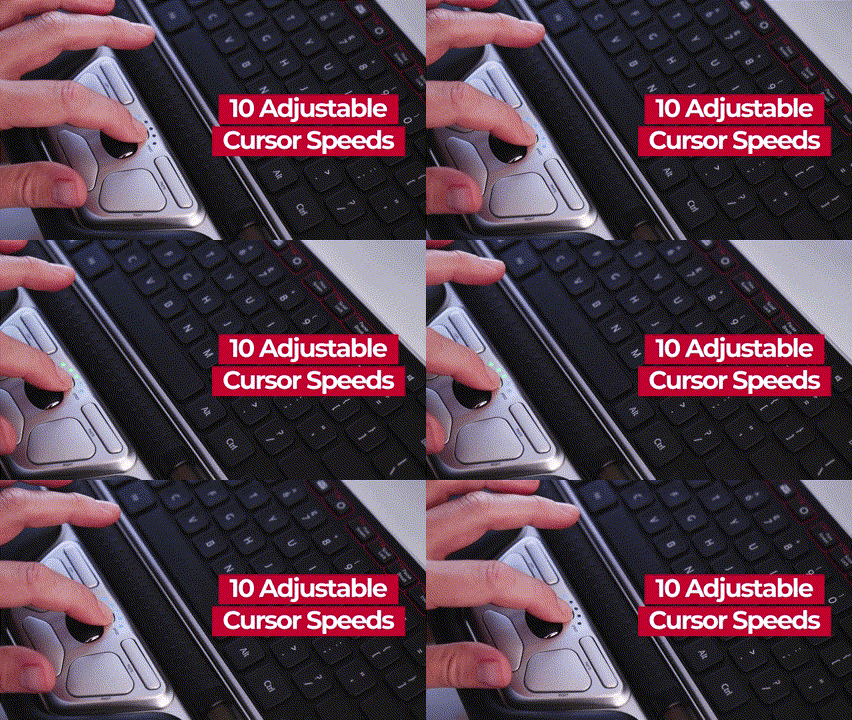
Ten cursor speeds, one button
A dedicated control lets you switch cursor speed instantly. Drop down for fine, precise work, or speed up when you’re moving across multiple monitors.
No settings menu to dig through — it’s a single press, mid-task.
Programmable buttons
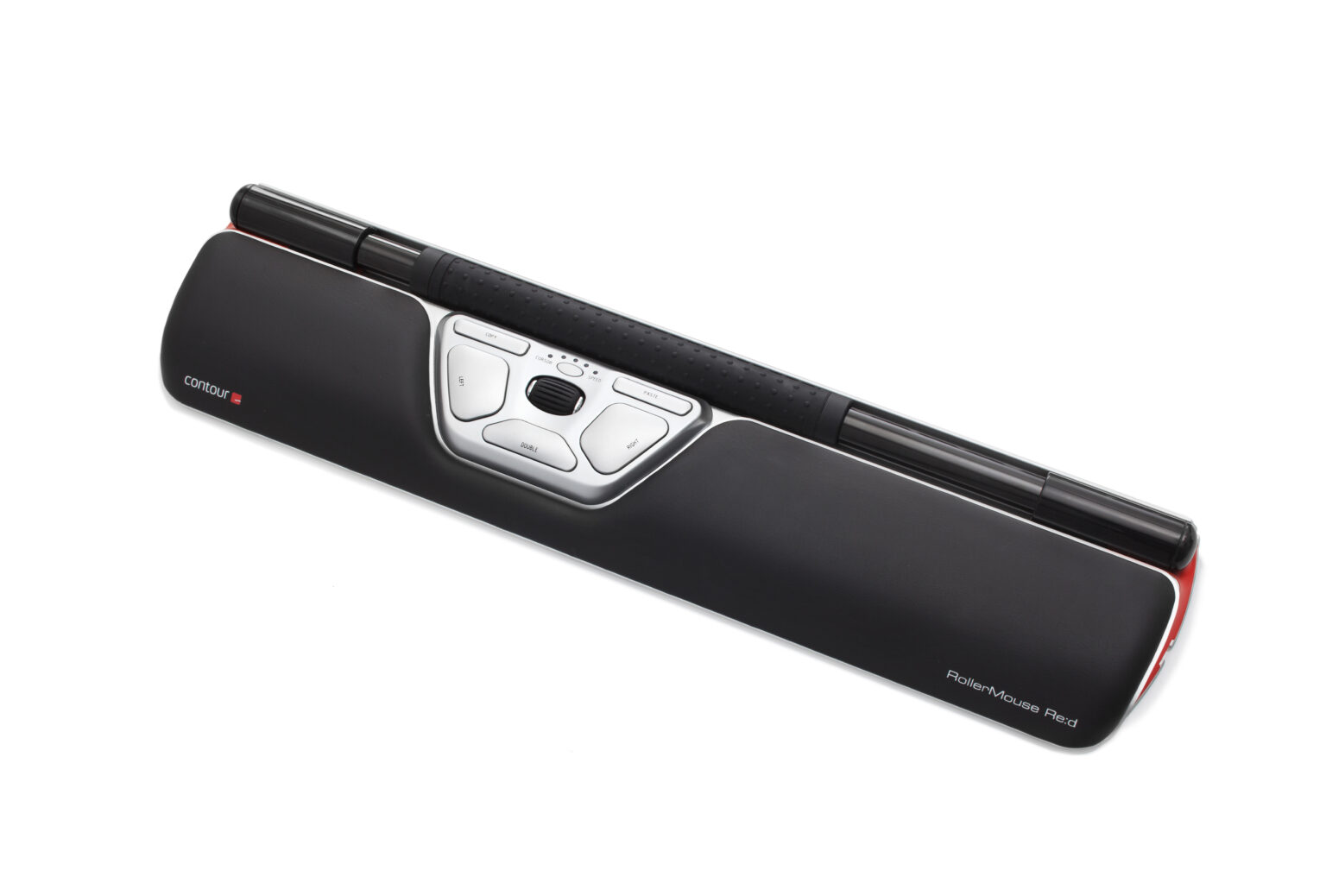
Beneath the rollerbar sits a cluster of five buttons and a scroll wheel, set up by default for the tasks people use most. Every function can be reprogrammed through the Contour driver software to suit how you actually work.
The whole cluster sits inside your natural work zone, so nothing requires stretching outward.

What’s built in
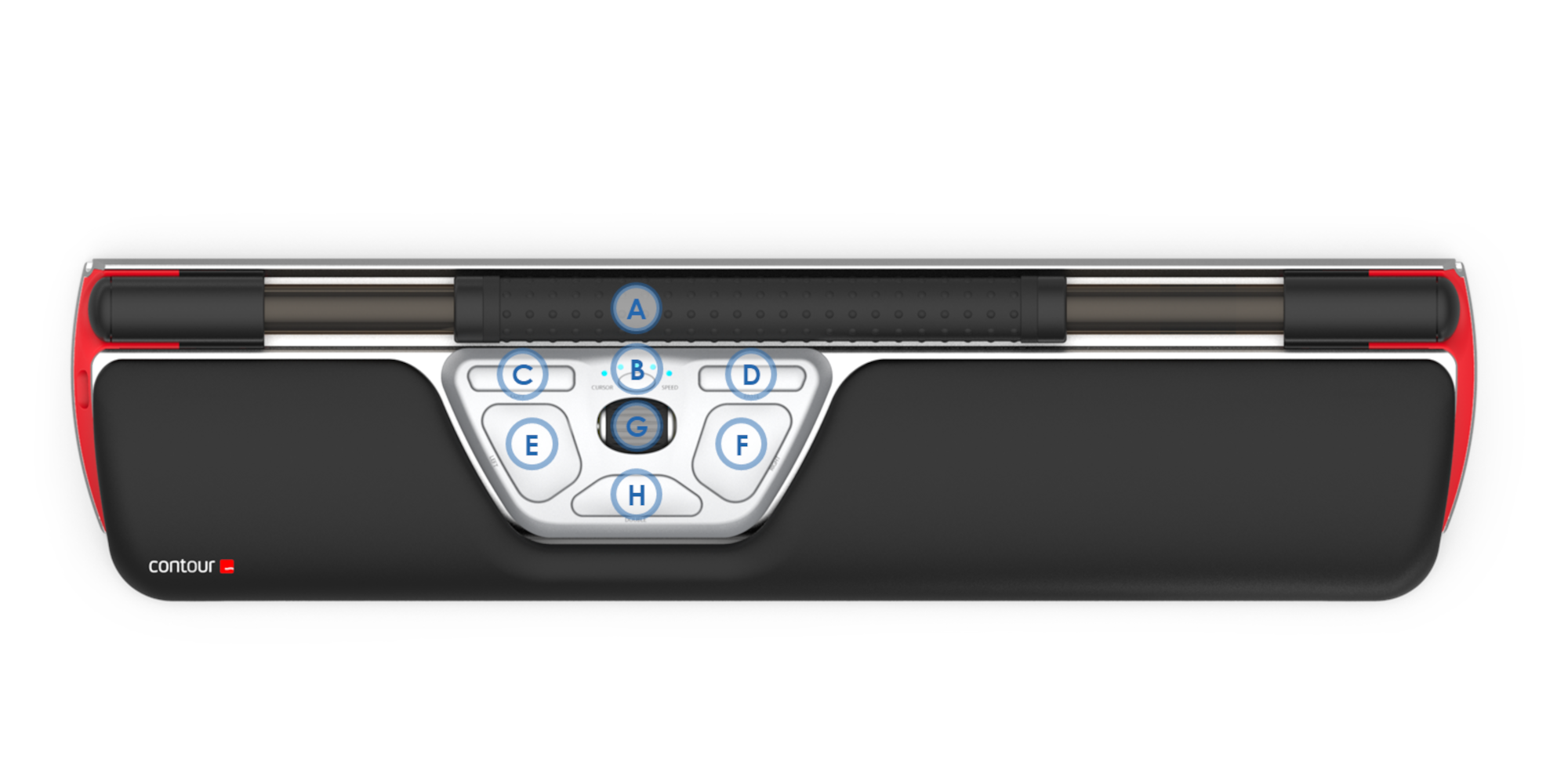
- Rollerbar for cursor movement, used with one or both hands
- Dedicated one-touch copy button
- Dedicated one-touch paste button
- Large left-click and right-click buttons
- One-touch double click
- Rubber-coated scroll wheel with middle click and auto-scroll lock
- Extra rollerbar padding for comfort and control
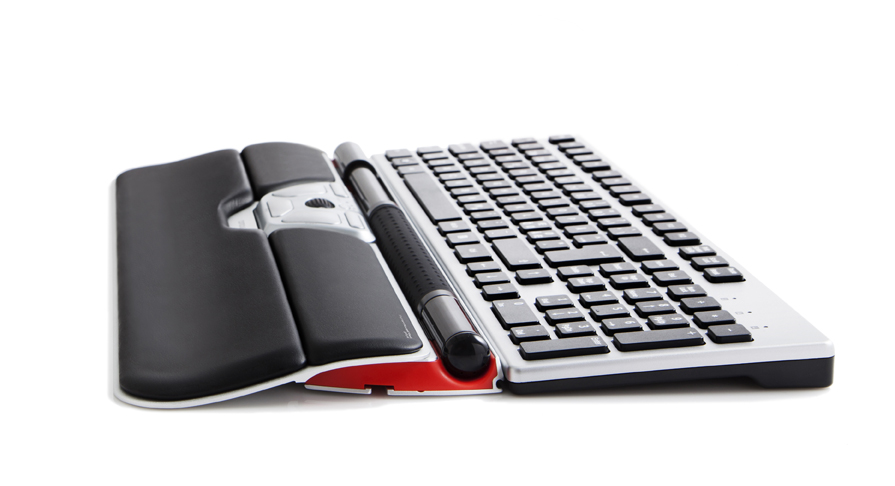
- Built-in keyboard risers to adjust height and angle
- Integrated, detachable wrist rest
- Click force and click volume adjustment
- USB plug-and-play — no drivers required to get started
- Works equally well left- or right-handed
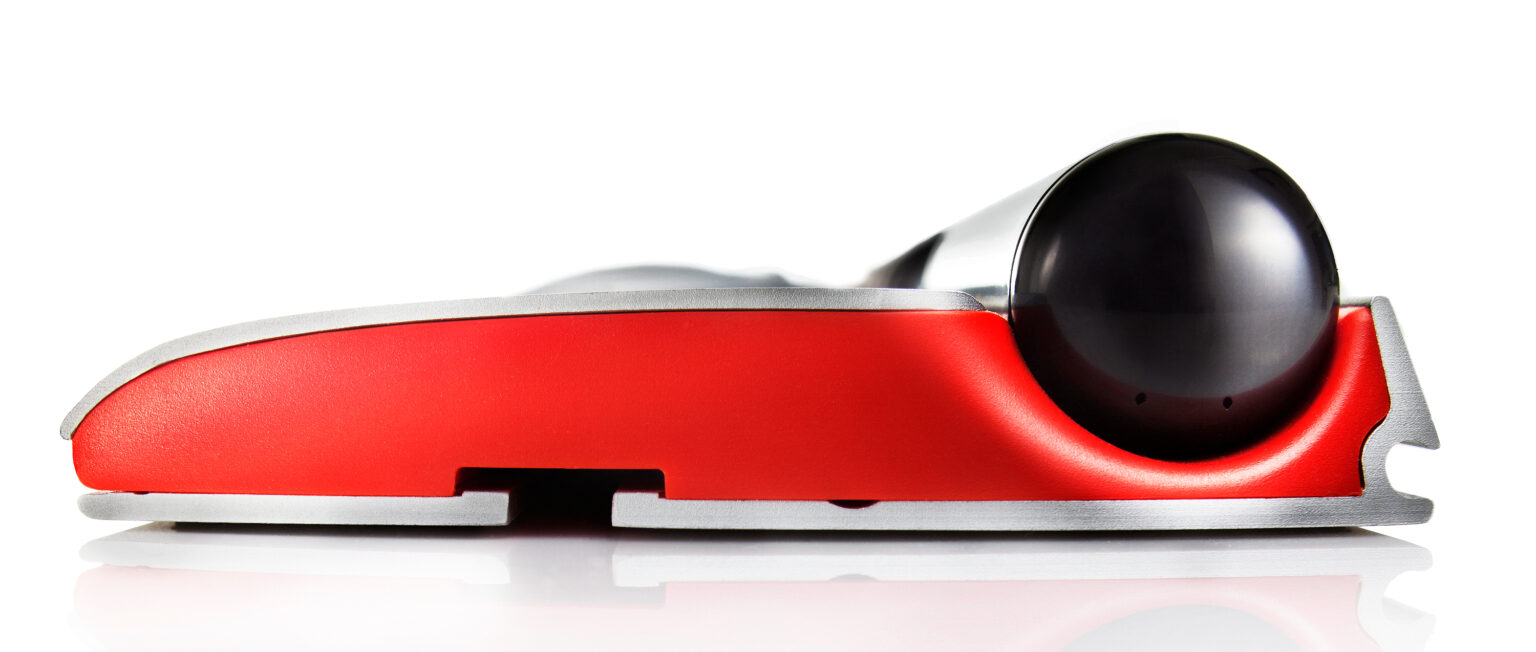
See it in action
A quick look at how RollerMouse Red works day to day.
Specifications
| Wired (RMRED) | Wireless (RMREDW) | |
|---|---|---|
| Cursor precision (DPI) | 800 / 1000 / 1200 / 1600 / 2400 | 600–2400 across 10 steps |
| Connection | USB cable | Wireless USB receiver, USB charging cable |
| Width | 40 cm | |
| Height | 2.2 cm | |
| Depth | 10 cm | |
| Rollerbar accessible width | 28 cm | |
| Installation | USB plug and play | |
| Hand size fit | Suited to average size hands. | |
| Warranty | 2 years against manufacturing defects. | |
| Available as | Wired (RMRED) or Wireless (RMREDW) — choose your option above. | |
Specifications sourced from OPC Ergonomics’ official RollerMouse Red product page and datasheet.
5 business days standard delivery.
Ask our in-store Occupational Therapy team if you’re unsure which mouse setup suits you.
No software required to get started — the Contour driver is only needed if you want to reprogram the buttons.
Common questions
Will it fit in front of my keyboard?
It’s designed to sit directly in front of a standard keyboard and is 40cm wide. Measure your desk depth and keyboard width before ordering if your setup is unusually tight.
Is it hard to get used to?
Most people adjust within a couple of days of regular use. It’s a different motion to a handheld mouse, so expect a short adjustment period rather than an instant switch.
Can left-handed users use it?
Yes. The rollerbar and button cluster are designed for ambidextrous use, so it works the same way regardless of which hand you favour.
Do I need to install software?
No — it’s USB plug and play out of the box. The Contour driver is only needed if you want to reprogram the button functions from their defaults.
What’s the difference between wired and wireless?
Both use the same rollerbar and button layout. The wireless version connects via a USB receiver and charges over USB, and offers a wider range of cursor speed steps than the wired version.
What if I have larger hands?
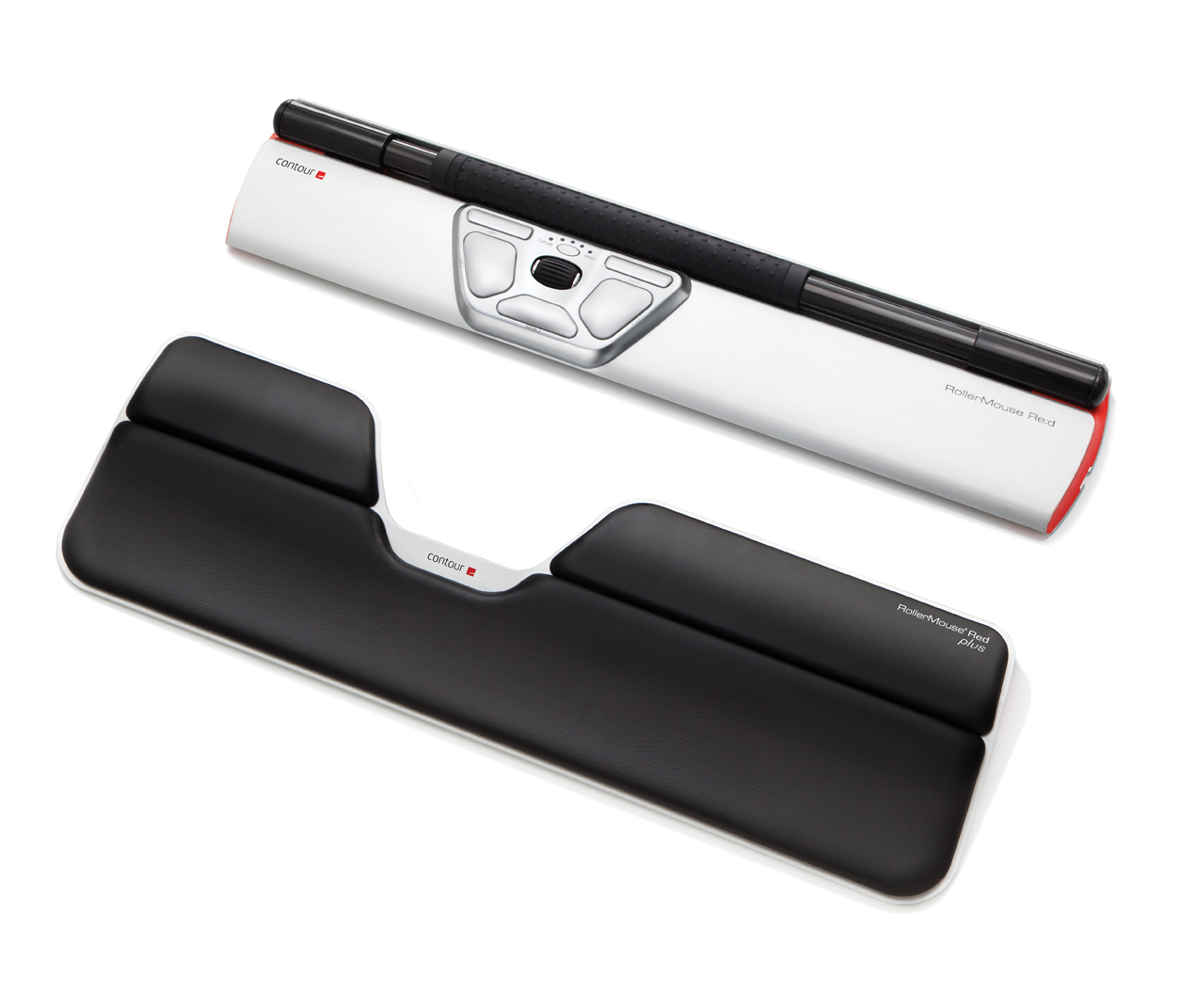
RollerMouse Red is built for average hand sizes. If you need extra wrist support, ask us about RollerMouse Red Plus.
Does it work with my keyboard?
It sits in front of any standard keyboard rather than replacing it, and includes built-in risers to adjust the keyboard’s height and angle on top of it.
Additional information
| Weight | 1 kg |
|---|---|
| Mouse Version | wired, wireless |
Related products
-
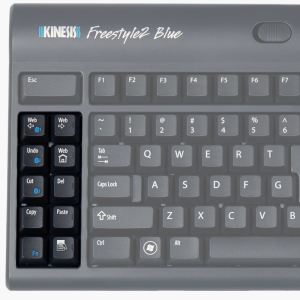
Kinesis Split Keyboard Freestyle2
Price range: $247.50 through $295.00Select options This product has multiple variants. The options may be chosen on the product page -
-
-
Reviews
There are no reviews yet.