
Oyster Mouse – Back in Stock!
Price range: $210.00 through $247.50
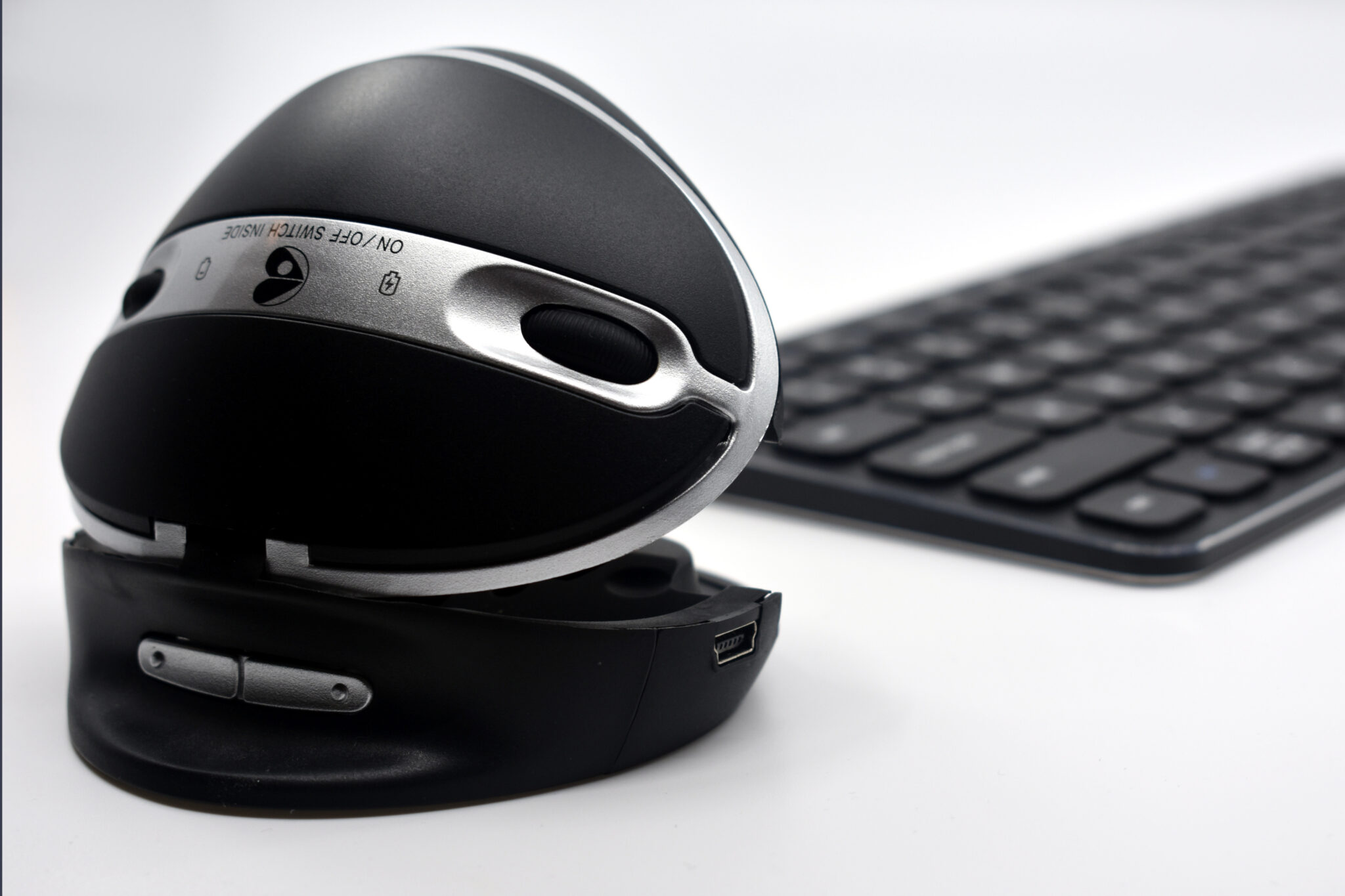
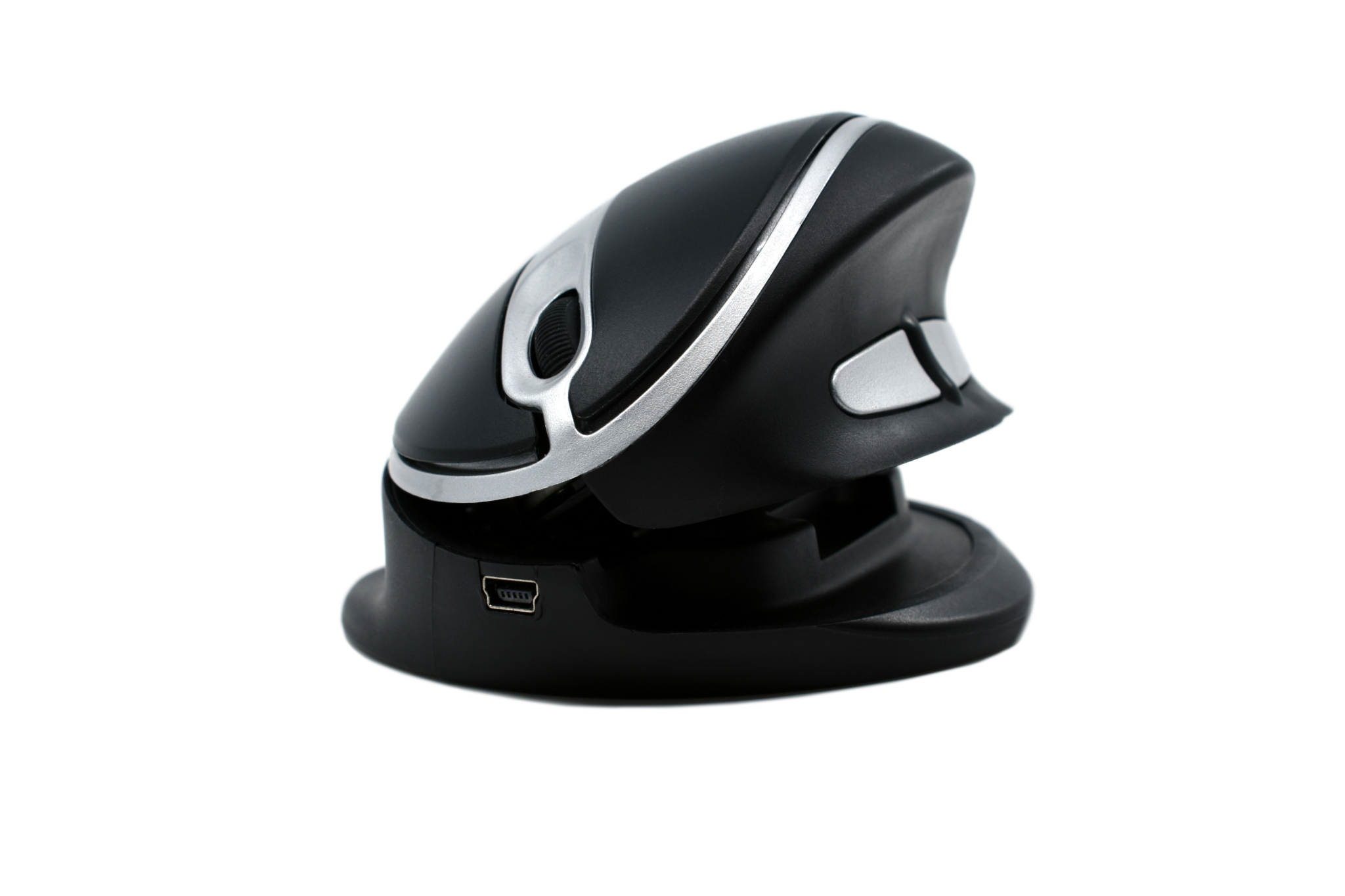
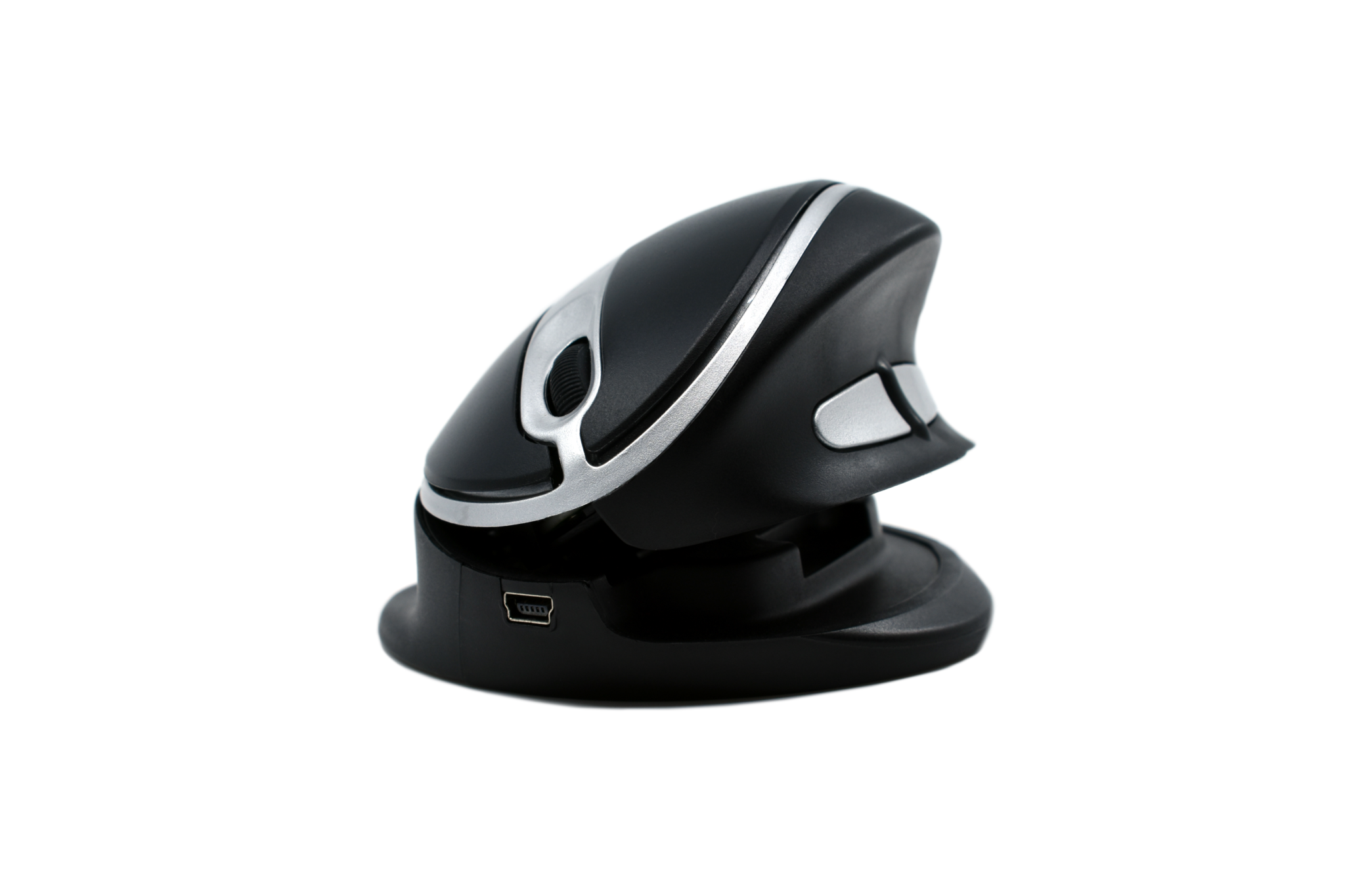
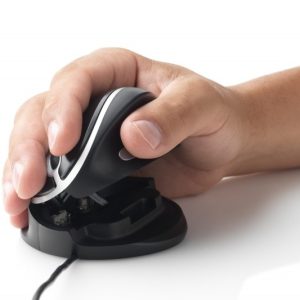
The Oyster Mouse is a unique adjustable vertical mouse and can be comfortably used by both left and right hands thanks to its unique design, which opens like an oyster. It gives you five different angled positions to adapt to each individual. Available in wired and wireless. Now back in stock.
Description
Oyster Mouse
An adjustable vertical mouse that opens like an oyster — five angle settings, ambidextrous, and comfortable for a genuinely wide range of hand sizes.
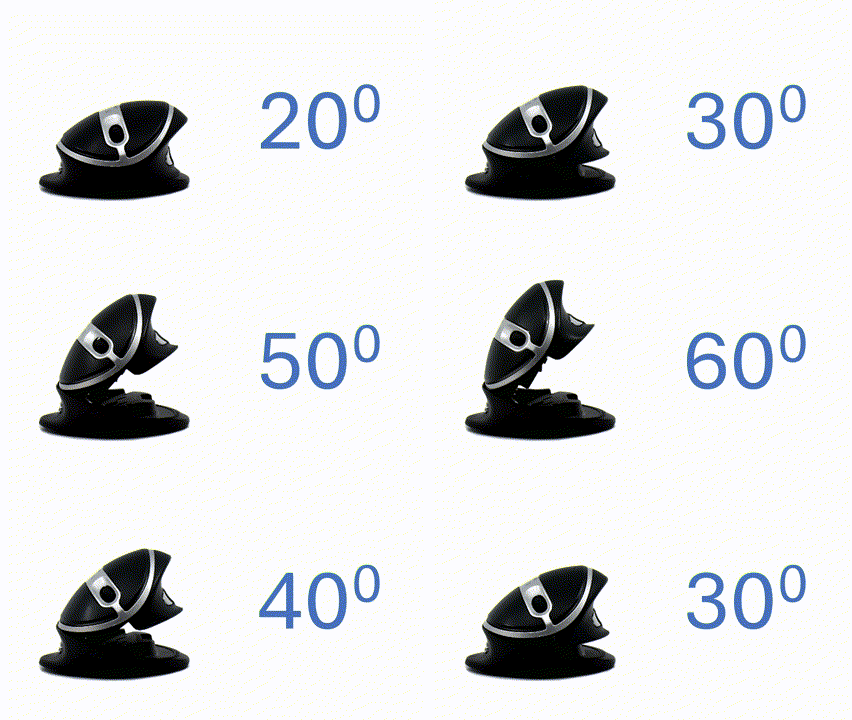
Choose your angle, 20° to 60°
A ratchet mechanism lets you lift the top segment of the mouse to increase the angle in seconds, or release and reset it to lower again — no tools, no guesswork.
Five positions across 20°, 30°, 40°, 50° and 60° mean you’re not locked into one fixed tilt — adjust it through the day as your comfort changes.
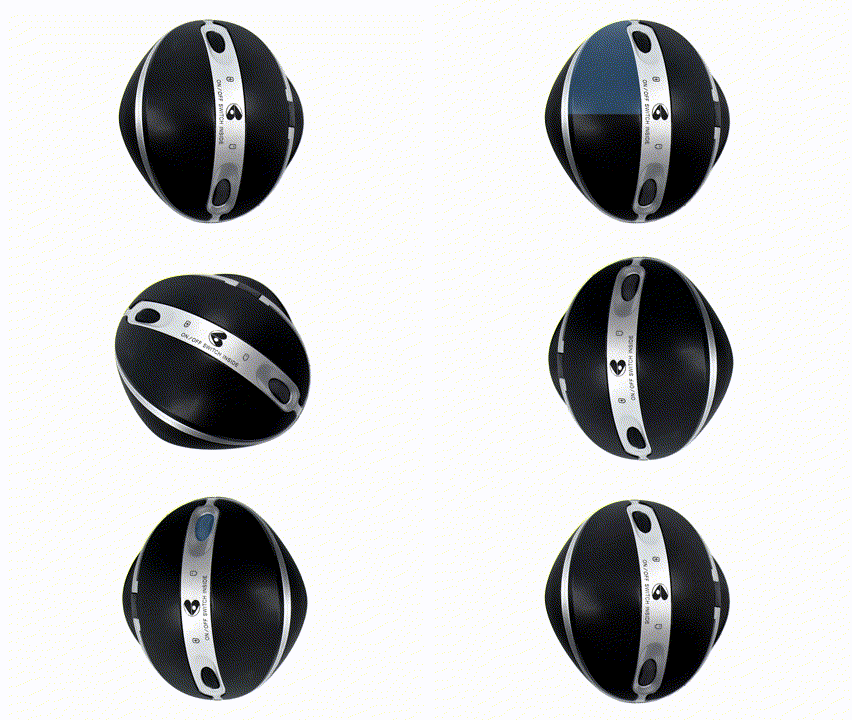
Left, right, or both
Left-click, right-click and scroll functions are mirrored on each end of the mouse. Flip the orientation switch on the base and give it a 180° turn, and it’s reconfigured for the other hand.
That makes it easy to switch hands through the day to spread the load, or to share one mouse across a left- and right-handed household or team.
Available in two sizes
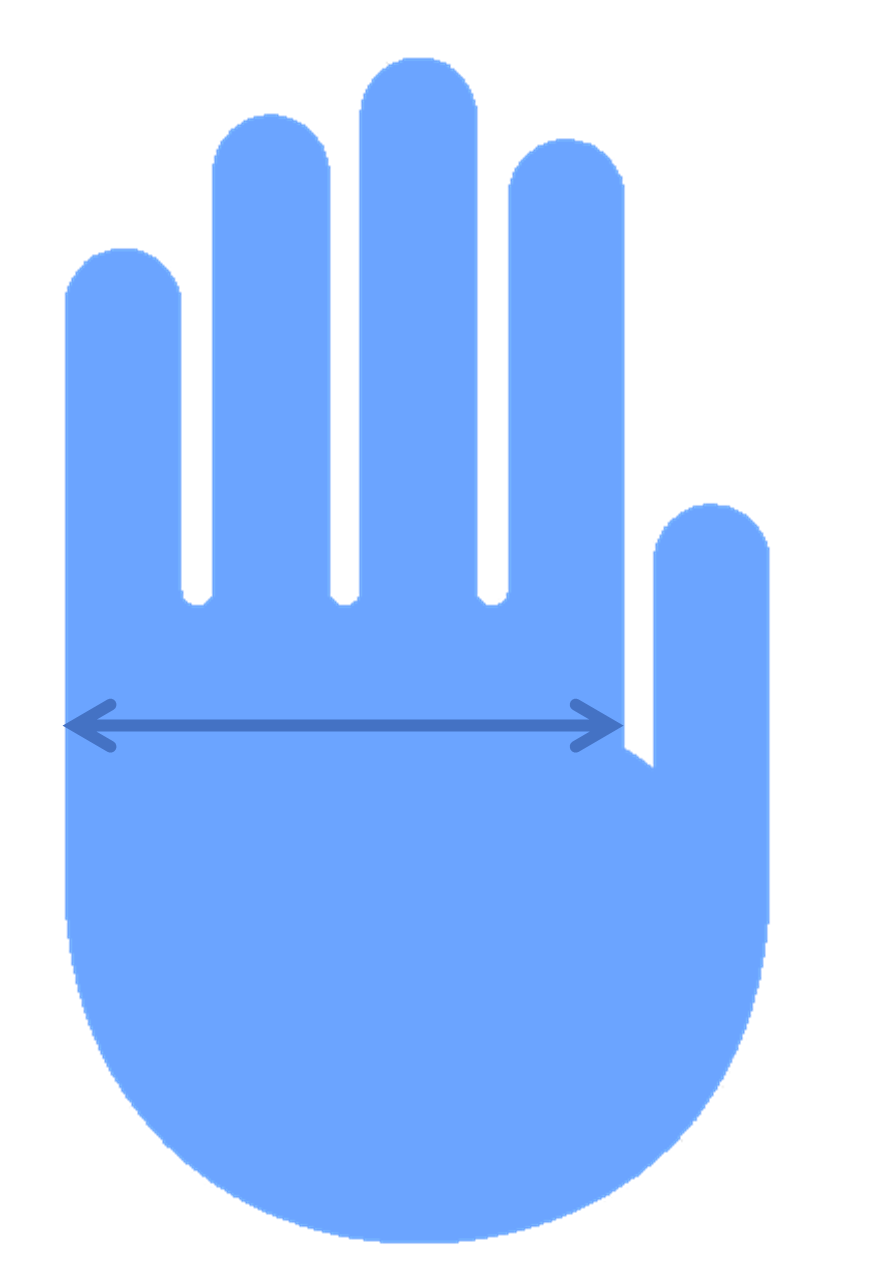
Under 95mm hand width, Medium is the better fit. 95mm or wider, choose Large.
Medium
100mm × 80mm × 50mm, hand width under 95mm
Large
110mm × 90mm × 55mm, hand width 95mm or more
What’s built in
- Five programmable buttons — left click, right click, double click, copy and paste
- Scroll wheel
- 1200 DPI sensor for accurate navigation
- Wired via USB cable, or wireless via 2.4GHz USB receiver
- Wireless models include an internal rechargeable battery
- Plug and play — compatible with Windows, macOS, Linux and Chrome OS
Specifications
| Medium | Large | |
|---|---|---|
| Wired product code | 5081 | 5082 |
| Wireless product code | 5081RF | 5082RF |
| Length | 100 mm | 110 mm |
| Width | 80 mm | 90 mm |
| Height (closed) | 50 mm | 55 mm |
| Recommended hand width | Under 95mm | 95mm or more |
| Angle range | 20°, 30°, 40°, 50°, 60° | |
| Sensor | 1200 DPI | |
| Buttons | 5 — left click, right click, double click, copy, paste | |
| Connection | USB cable (wired), or 2.4GHz USB receiver (wireless) | |
| Battery | Internal rechargeable (wireless models only) | |
| Operating system | Windows, macOS, Linux, Chrome OS | |
| Warranty | 2 years. | |
Specifications sourced from OPC Ergonomics’ current OysterMouse product page and datasheet. Copy and paste buttons are not supported on macOS.
5 business days standard delivery.
Among the lowest Oyster Mouse pricing in Australia — compare before you buy elsewhere.
Ask our in-store Occupational Therapy team if you’re unsure which size suits you.
Common questions
Which size should I choose?
Measure your hand width — under 95mm, choose Medium; 95mm or wider, choose Large. Ask our Occupational Therapy team if you’d like help deciding.
Can I use it left-handed?
Yes — Oyster Mouse is fully ambidextrous. Flip the orientation switch on the base and rotate the mouse 180° to reconfigure it for the other hand.
Does it work wired and wireless, or do I have to choose?
You choose one at purchase — wired via USB cable, or wireless via a 2.4GHz USB receiver with an internal rechargeable battery. Both are available in either size.
Do the copy and paste buttons work on Mac?
No — copy and paste buttons aren’t supported on macOS. Left click, right click, double click and scroll all work as normal.
How do I close the mouse without breaking it?
Always lift the top segment to the released position first before pressing it back down. Forcing it down without releasing the mechanism first can damage the joint, which isn’t covered under warranty.
What’s the warranty?
2 years.
Additional information
| Weight | 1 kg |
|---|---|
| Mouse size | large, standard |
| Mouse Version | wired, wireless |
Related products
-
- Sale!
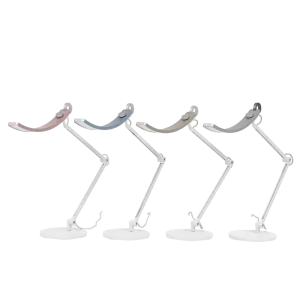
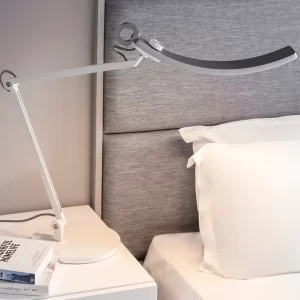
BenQ WiT e-Reading LED Desk Lamp *** Clearance Instore – Ex Display Light Available in Gold***
Price range: $300.00 through $399.00Select options This product has multiple variants. The options may be chosen on the product page -
-
Handshoe Mouse – Right Handed
$295.00Select options This product has multiple variants. The options may be chosen on the product page
Reviews
There are no reviews yet.