
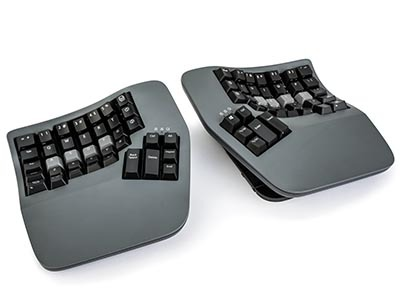
Kinesis Advantage 360 Professional Keyboard
Advantage360 Professional takes Kinesis’s proven contoured, fully split keyboard shape and cuts the cables — connect wirelessly to up to 5 devices, with 3-way button-adjustable tenting and open-source ZMK firmware for deep customisation. Mechanical Gateron Brown switches, backlit, with a 2 year warranty.
Description
Advantage360 Professional
The Advantage360’s proven contoured shape, fully split apart, fully wireless — connect to up to 5 devices with no link cable in sight.
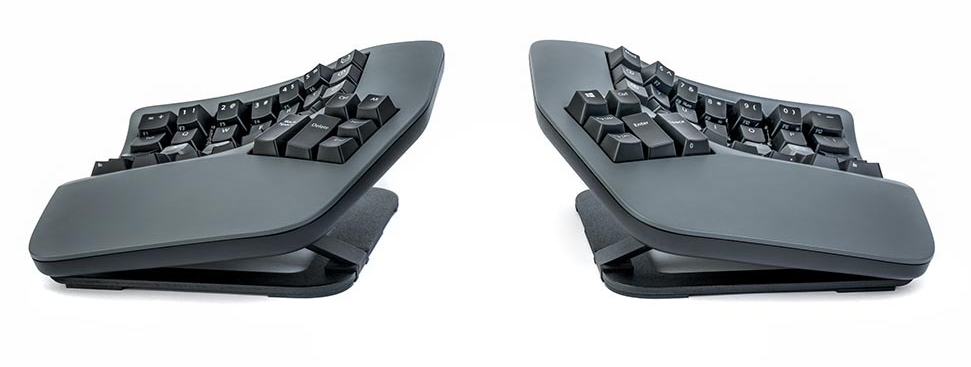
Bluetooth to up to 5 devices, switch instantly between them.
Low, medium or high, at the press of a button.
Backed by the local Australian distribution warranty.
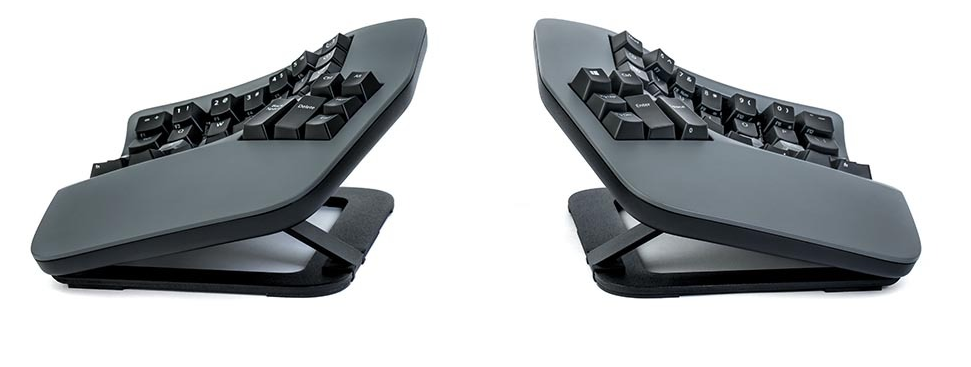
3-way tenting, at the press of a button
Tenting lifts the thumb side of each half to cut the forearm pronation a flat keyboard forces. Advantage360 Professional switches between three tent settings — low, medium (shown above) and high — with a single button, no tools or manual adjustment required.
The low setting matches the tenting angle of the original Advantage keyboards, so long-time Kinesis typists have a familiar starting point.
Key ergonomic features
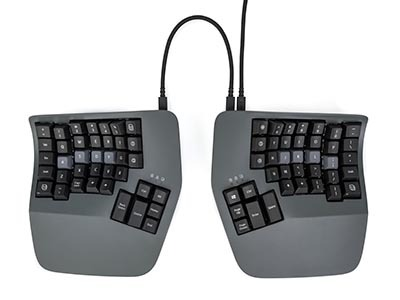
Adjustable Split
Separate and rotate each half independently to keep wrists straight and reduce ulnar deviation.
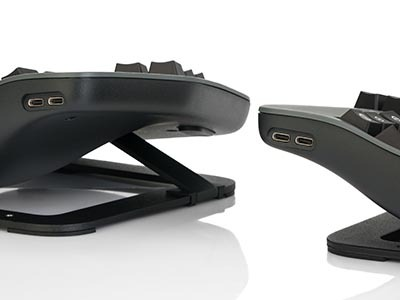
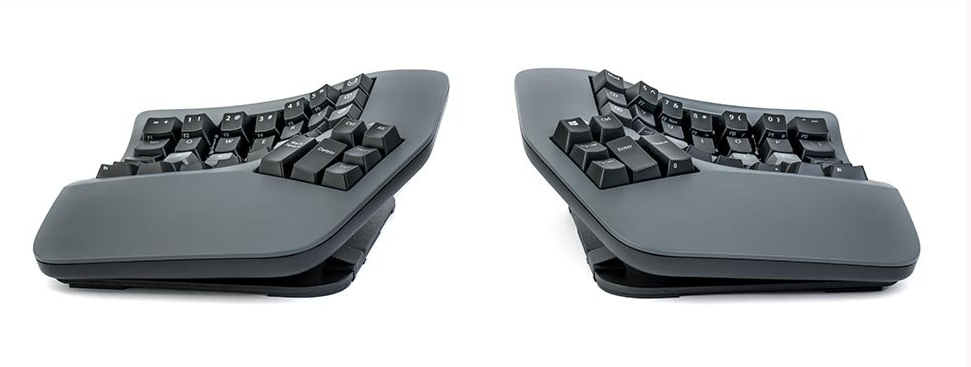
3-Way Tenting
Tenting elevates the thumb side of the hand to reduce forearm pronation caused by flat keyboards.
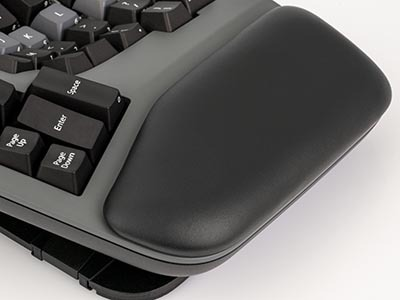
Integrated Palm Support
Palm supports and cushioned palm pads (sold separately) promote a neutral typing position to reduce wrist extension.
Compact Layout
The tenkeyless layout lets you position your mouse to the side or in the middle, cutting over-reach strain.
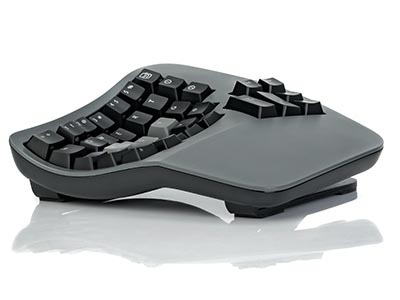
Proven Contoured Shape
Hands and fingers sit in a natural, relaxed position that shortens key-reach and reduces over-extension.
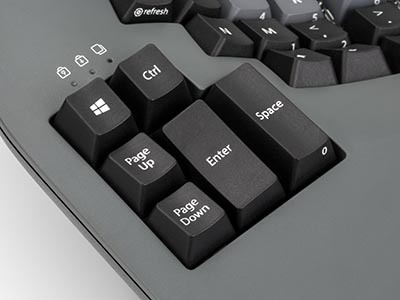
Signature Thumb Keys
Use your stronger thumbs, not your weaker pinkies, to hit heavily used keys like Space, Backspace and Enter.
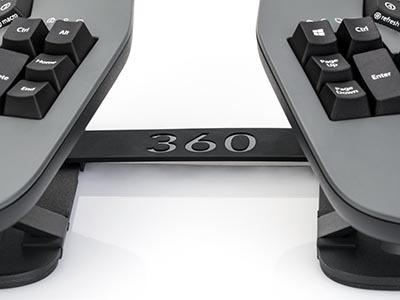
Optional Fixed Split
Not ready for full adjustability? Attach the included bridge connector for the traditional Advantage fixed separation.
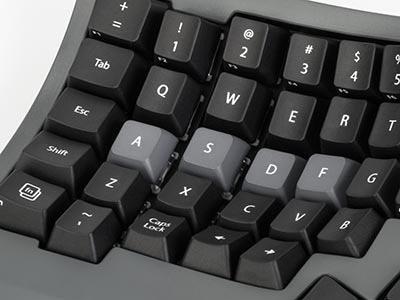
Vertical Key Configuration
An orthogonal layout, not a staggered one — key columns mirror the natural up-and-down motion of your fingers.
Wireless freedom, real battery life
Bluetooth Low Energy connects up to 5 devices at once, with roughly 9 metres of range and instant switching between whichever one you’re using. The rechargeable 1500mAh Lithium-ion battery is rated for around 3 years of service life, and charges over the included braided USB-C cable.
Battery life depends on whether backlighting is on: expect 1–5 days per charge with the lights on, or 1–3 months with them off.
Mechanical switches built to last
Advantage360 Professional uses Gateron Brown (KS-9) mechanical switches — a peak force of 55g, activation force of 45g and 4.1mm of travel. The keycaps are shine-through ABS, so the white backlighting shows through the legends when it’s switched on.
Built for power users: open-source ZMK firmware
Unlike the standard Advantage360, which uses Kinesis’s onboard SmartSet engine, the Professional runs open-source ZMK firmware — configured through a web-based GUI or plain text syntax, with the underlying code available on GitHub for anyone who wants to build or share their own features.
Worth knowing before you buy: ZMK doesn’t support onboard programming the way SmartSet does, so if you want to remap keys and record macros directly on the keyboard without a computer, the standard Advantage360 is the easier option. The Professional trades that onboard simplicity for far deeper customisation and fully wireless multi-device use.
Specifications
| Product code | KB360-PRO-GBR |
|---|---|
| Split range | Min separation 387mm, max separation 540mm (with included 10″ linking cable) |
| F–J key distance | 184mm min, 337mm max |
| Module width | 190mm each |
| Depth | 203mm |
| Height | 70mm min, 102mm max |
| Weight | Approx. 1.47kg |
| Tenting | 3-way, button-adjustable — low, medium, high |
| Switches | Gateron Brown (KS-9) mechanical — 55g peak force, 45g activation force, 4.1mm travel |
| Backlighting | Global white LED through shine-through ABS keycaps |
| Connectivity | Bluetooth Low Energy — multichannel, up to 5 devices, ~9m range |
| Battery | 1500mAh rechargeable Lithium-ion, ~3 year estimated lifespan — 1–5 days per charge with backlighting on, 1–3 months with it off |
| Charging | USB-C, braided cable, approx. 1.9m |
| Programming | Open-source ZMK firmware — web-based configurator or text syntax; no onboard programming |
| Operating system | Windows 7–11, macOS, Linux, Android, Chrome — plug-and-play, no drivers required |
| Warranty | 2 years from date of purchase. |
Specifications sourced from OPC Ergonomics’ Kinesis Advantage360 Professional product documentation.
5 business days standard delivery.
Ask our in-store Occupational Therapy team which model suits your setup best.
Sourced through OPC Ergonomics, Kinesis’s official Australian distributor.
Common questions
What’s the difference between this and the standard Advantage360?
They share the same contoured shape, split design and tenting. The Professional adds full Bluetooth wireless connectivity to up to 5 devices and swaps the standard model’s onboard SmartSet programming engine for open-source ZMK firmware, aimed at users who want deeper customisation and are comfortable configuring it through a computer rather than on the keyboard itself.
Can I program it without a computer?
No — unlike the standard Advantage360’s SmartSet engine, the Professional’s ZMK firmware doesn’t support onboard programming. You configure it through a web-based tool or text syntax on a connected computer.
Does it come with a wired option?
It’s plug-and-play over USB-C as well as wireless via Bluetooth, so you’re not locked into one connection method.
Is the palm support included?
The keyboard has integrated palm support built in; the cushioned palm pads shown in some photos are sold separately.
How long does the battery last?
Between charges, expect 1–5 days with backlighting on, or 1–3 months with it off. The battery itself is rated for around 3 years of service life.
What’s the warranty?
2 years from date of purchase, under the local Australian distribution warranty.
Related products
-
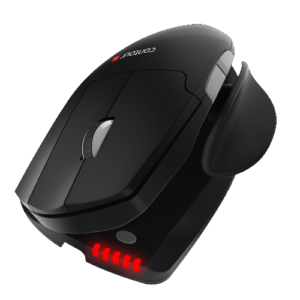
Contour Unimouse
Price range: $229.00 through $249.00Select options This product has multiple variants. The options may be chosen on the product page -
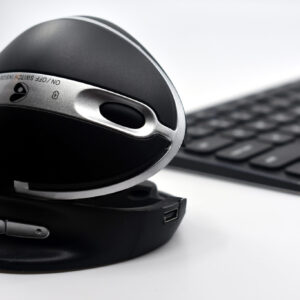
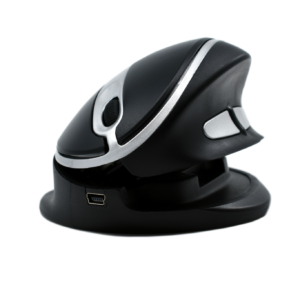
Oyster Mouse – Back in Stock!
Price range: $210.00 through $247.50Select options This product has multiple variants. The options may be chosen on the product page -
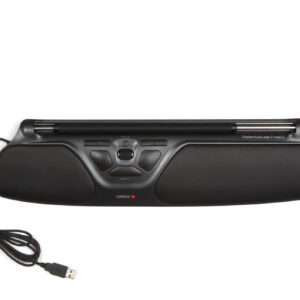
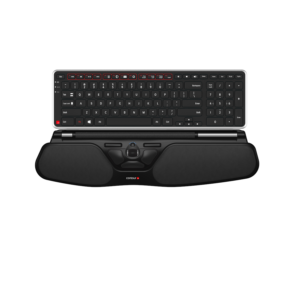
Contour RollerMouse Free3
Price range: $682.00 through $698.50Select options This product has multiple variants. The options may be chosen on the product page -
Reviews
There are no reviews yet.