
Contour Balance Keyboard
$185.00
The perfect partner. The perfect fit.
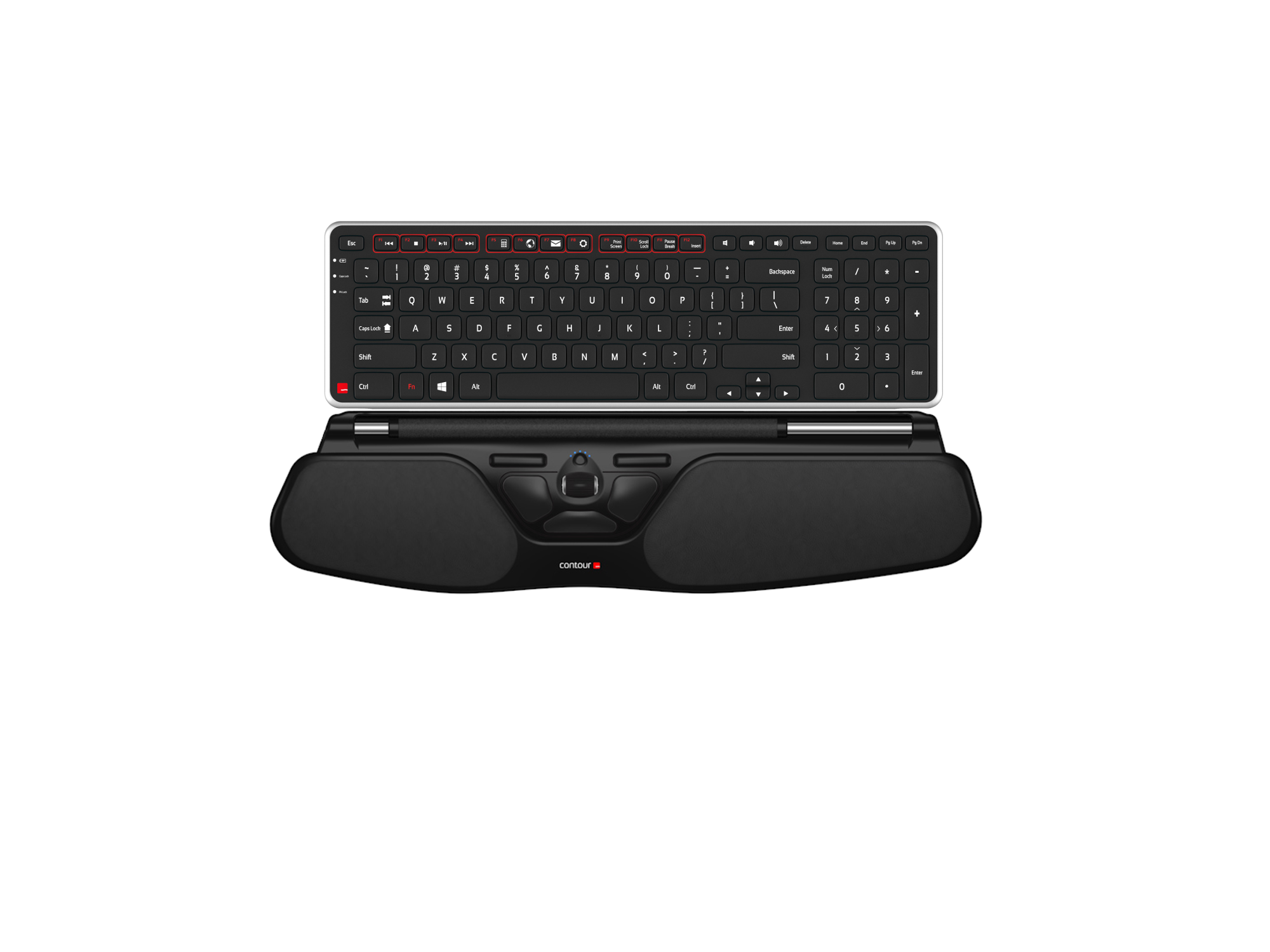
The Balance Keyboard was made specifically for use with the RollerMouse Red, Red plus and Free3. Its adjustable legs and tilt options allow for easy adjustability into negative, neutral, and positive typing angles.
Description
Balance Keyboard
The perfect partner, the perfect fit — Balance Keyboard was built specifically for use with the RollerMouse Red, Red Plus and Free3. Adjustable legs and tilt options let you set a negative, neutral or positive typing angle, whatever sits best for your wrists.
Negative, neutral or positive — your choice
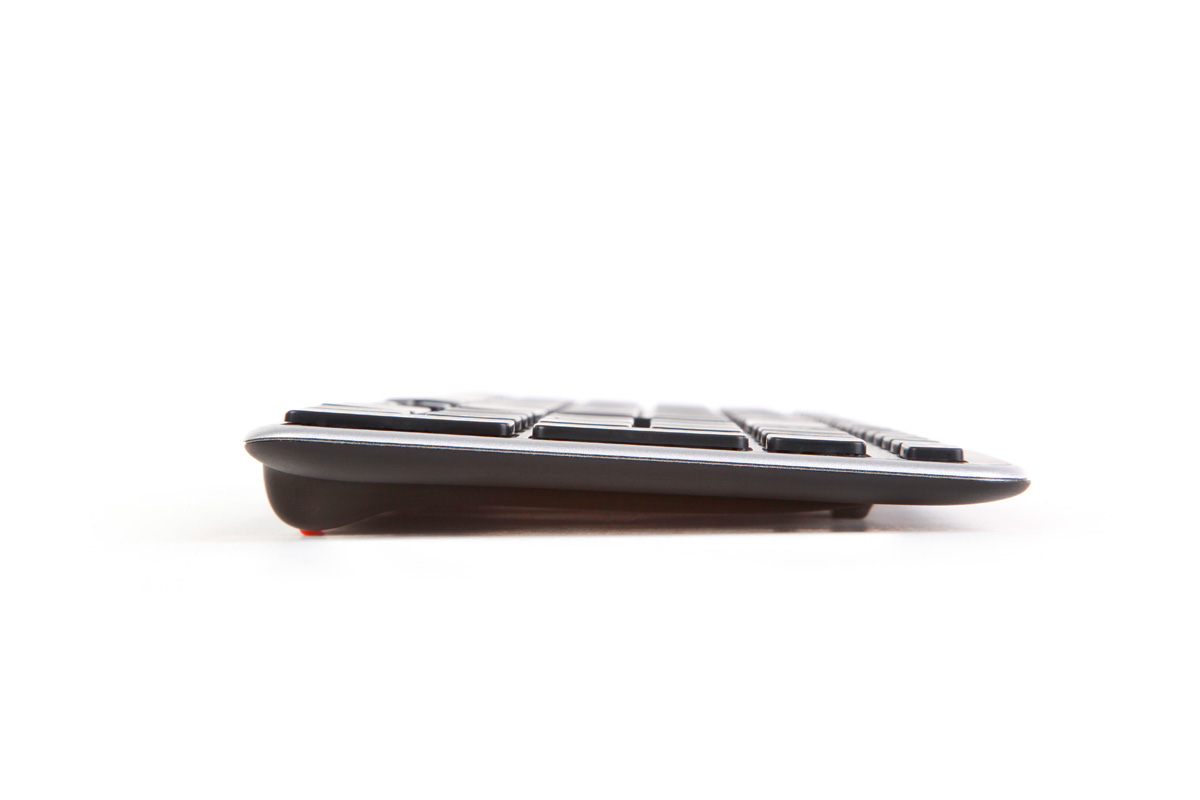
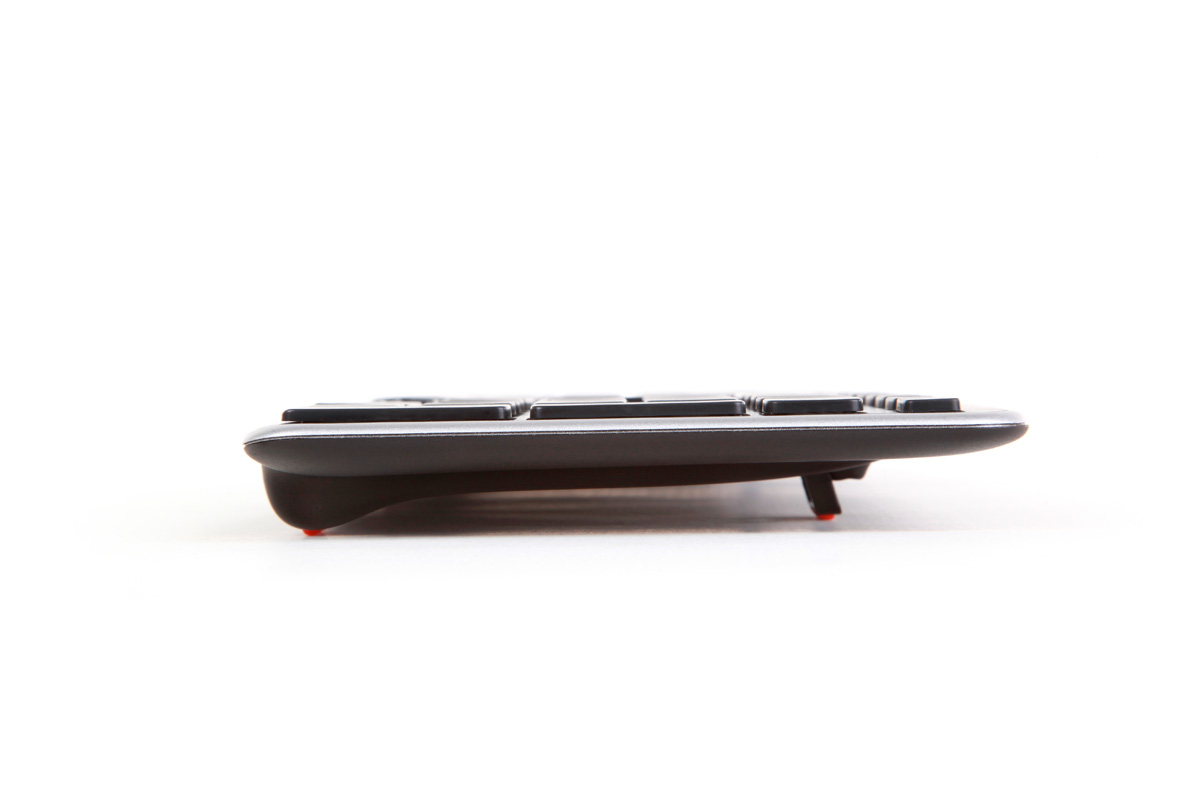
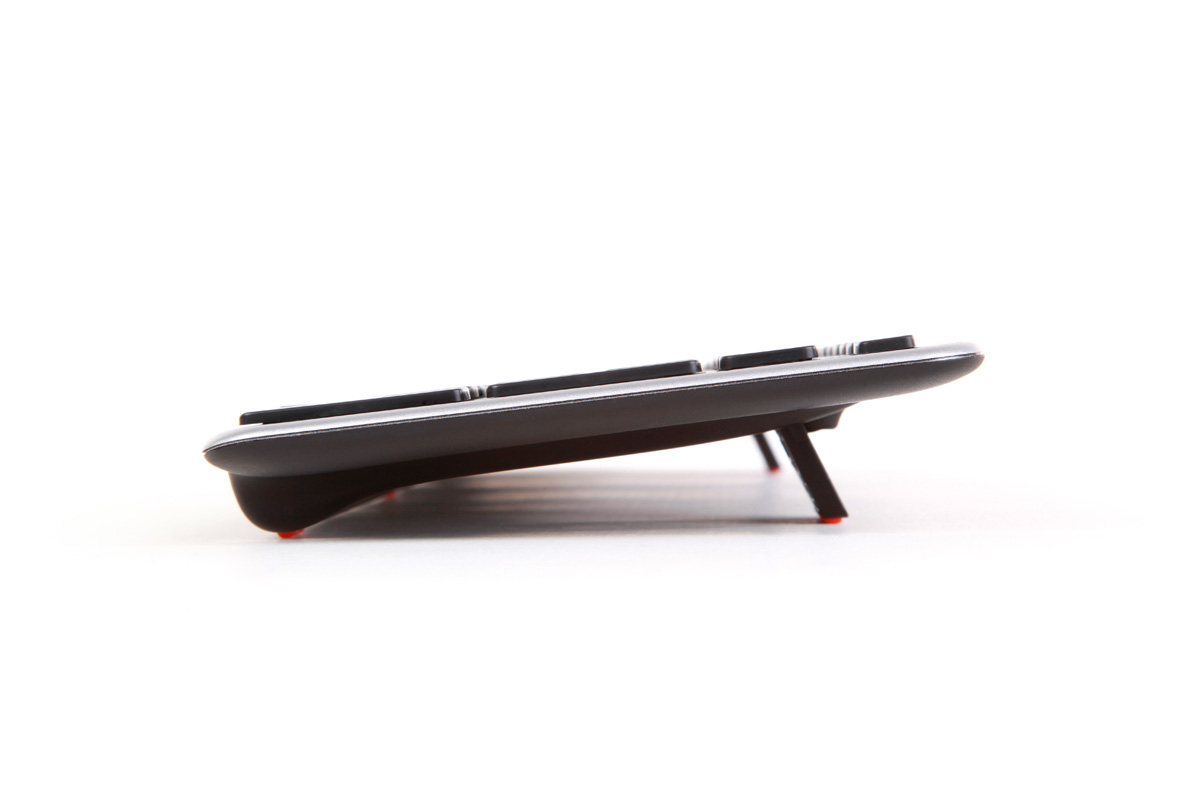
Most keyboards fix you into one angle. Balance Keyboard’s adjustable legs let you choose a negative, neutral or positive typing angle instead, so you can match the keyboard to your desk height and chair rather than the other way around.
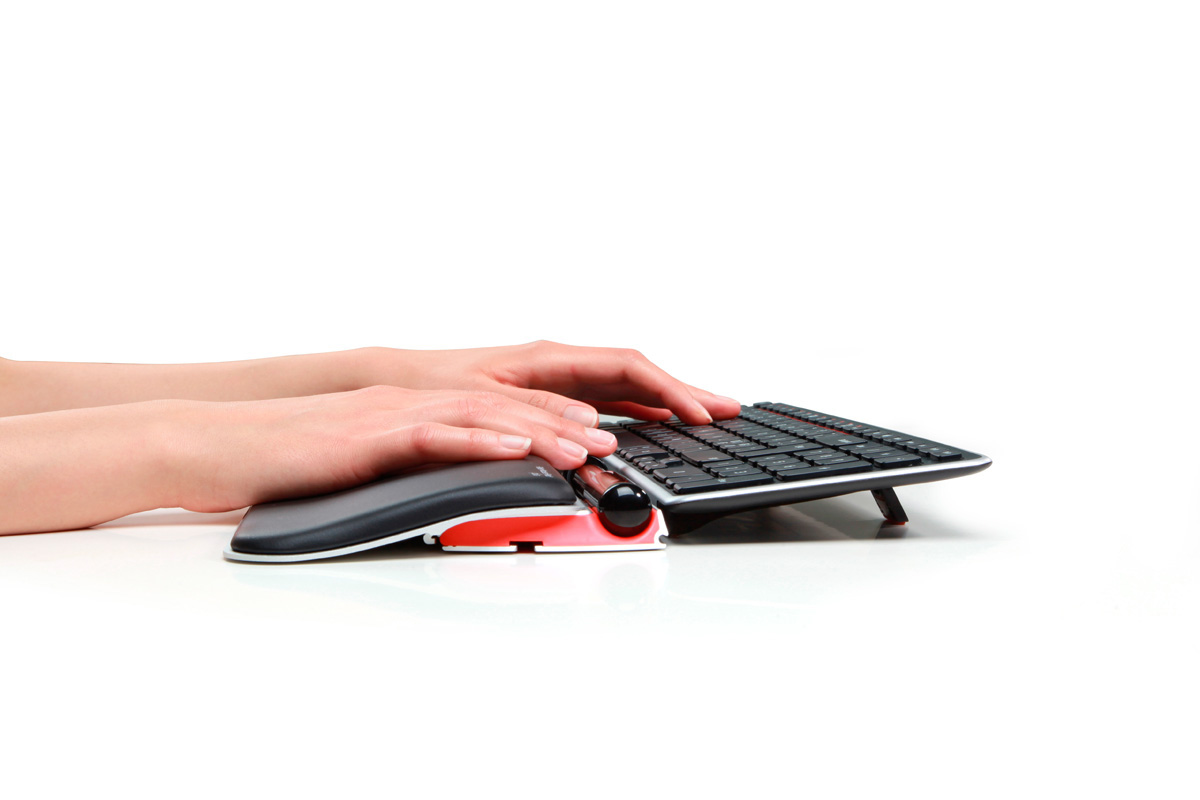
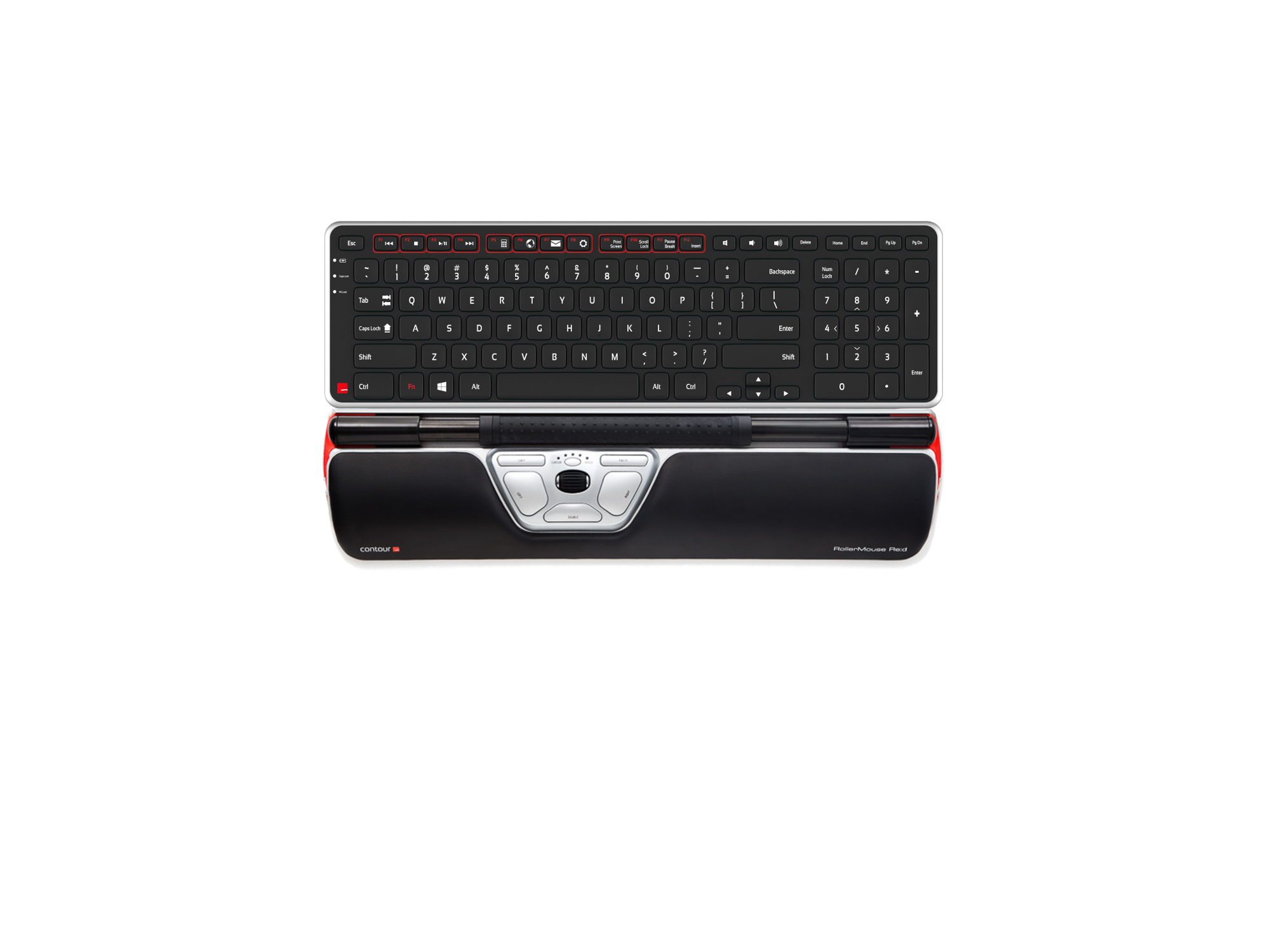
It sits directly in front of a RollerMouse Red, Red Plus or Free3, keeping your whole setup in one consistent, adjustable typing zone.
Wireless, with nothing to switch on
Balance Keyboard runs on 2 AAA batteries for up to 12 months, connecting to your PC or Mac through its own USB wireless receiver — which stores securely inside the battery housing when you’re not using it, so it’s never left loose in a drawer.
Smart power-saving technology means there’s no on/off switch to remember. It sleeps and wakes with your usage.
A full layout, plus the keys you actually use
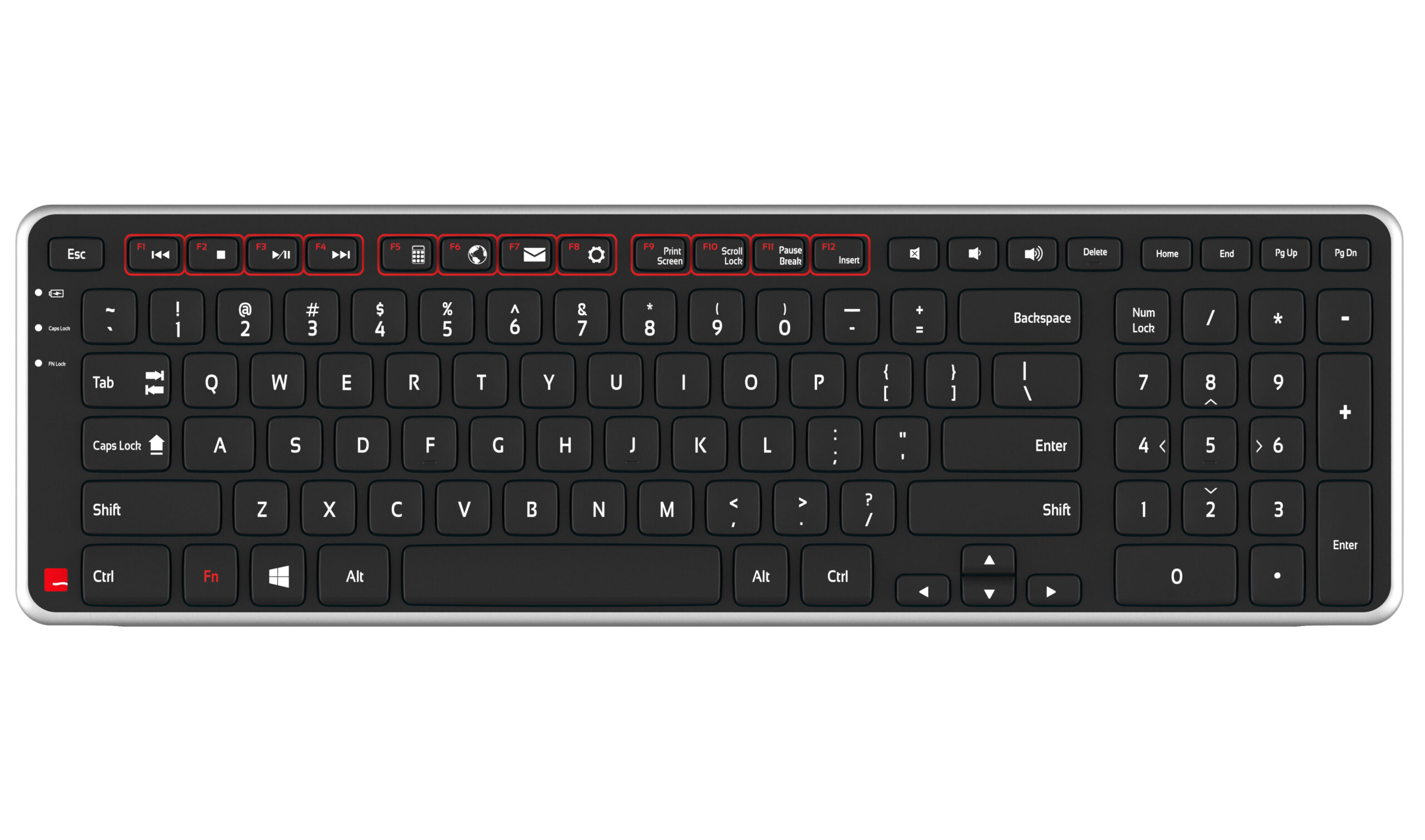
A 103-key full-size layout with a 10-key numeric pad covers everything a standard keyboard does. On top of that, 12 dedicated media keys handle everyday tasks like volume and playback — and the traditional F1-F12 function keys are still there, one tap away through the Fn lock feature.
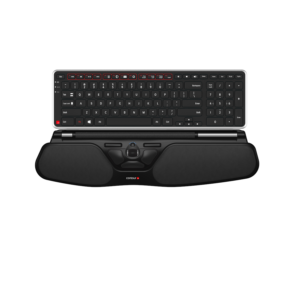
Balance Keyboard in use, and paired with two of its companion RollerMouse models.
Specifications
| Layout | 103-key full-size, with 10-key numeric pad and 12 dedicated media keys |
|---|---|
| Function keys | Traditional F1-F12 available via the Fn lock feature |
| Connection | Wireless — USB receiver stored in the battery housing when not in use |
| Power | 2x AAA batteries, approx. 12-month battery life, no on/off switch required |
| OS compatibility | Windows and OSX (Mac driver available on the support page) |
| Tilt options | Adjustable legs for negative, neutral or positive typing angle |
| Weight | 1.7 lbs (product) — packaged shipping weight approx. 1kg |
| Dimensions | 15.4 x 4.7 x 0.9 in (39.1 x 11.9 x 2.3 cm) |
| Designed for use with | RollerMouse Red, RollerMouse Red Plus and RollerMouse Free3 |
| Price | $185 AUD |
| Shipping | Standard rate for metro areas; surcharges apply for regional areas |
Specifications sourced from Ergonomic Solutions’ own live product listing, corroborated against other Contour resellers for the keyboard layout detail.
Pairs with
- RollerMouse Red
Balance Keyboard is built to sit in front of it.
View RollerMouse Red → - RollerMouse Red Plus
Same fit, with Red Plus’s extended palm support.
View RollerMouse Red Plus → - RollerMouse Free3
Contour’s sleekest RollerMouse, same keyboard fit.
View RollerMouse Free3 →
Matched specifically to the Red, Red Plus and Free3 — not a generic keyboard.
2 AAA batteries, around 12 months per set, smart auto-sleep.
Ask our in-store Occupational Therapy team how it fits into your full desk setup.
Common questions
Does it work with any RollerMouse?
It’s built specifically for the RollerMouse Red, Red Plus and Free3. It isn’t listed as compatible with RollerMouse Pro3, which has a different, taller profile.
What do the tilt positions mean?
The adjustable legs let you set a negative (front higher than back), neutral (flat) or positive (back higher than front) typing angle, so you can match the keyboard to your own wrist position rather than being locked into one fixed angle.
Does it come with a wrist rest?
No separate wrist rest is included with the keyboard itself — it’s designed to sit directly in front of a RollerMouse Red, Red Plus or Free3, which each have their own integrated wrist rest built in.
Is it compatible with Mac?
Yes — it works with both Windows and OSX, with a Mac driver available from Contour’s support page if you need it.
How long do the batteries last?
Around 12 months on 2 AAA batteries. There’s no on/off switch — the keyboard’s power-saving technology handles that automatically.
What’s delivery like?
Standard shipping rates apply for metro areas, with a surcharge for regional areas.
Additional information
| Weight | 1 kg |
|---|
Related products
-
-
Humanscale M2.1
$325.00Select options This product has multiple variants. The options may be chosen on the product page -
-
Contour RollerMouse Free3
Price range: $682.00 through $698.50Select options This product has multiple variants. The options may be chosen on the product page
Reviews
There are no reviews yet.