
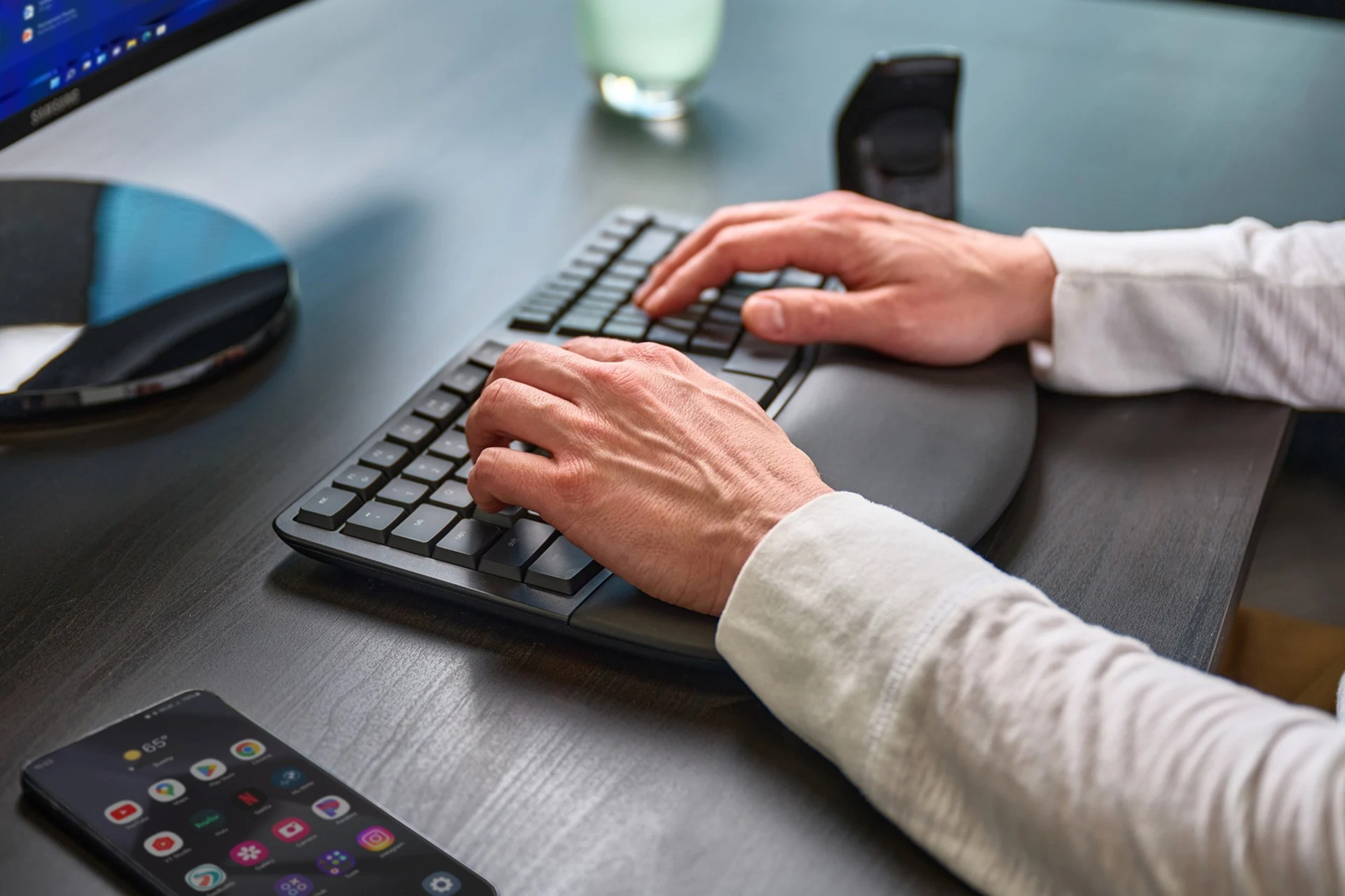
Kinesis Wave Mechanical Keyboard
$350.00
Kinesis Wave Mechanical Keyboard brings Kinesis’s classic split, tented, cushioned typing position into a low-profile mechanical keyboard — backlit, fully programmable with no software to install, and switchable between wired USB and two paired Bluetooth devices. Available for PC or Mac, with a 2 year warranty.
Description
mWave Mechanical Keyboard
The classic sculpted split keyboard, rebuilt with low-profile mechanical switches, backlighting and true wireless freedom.
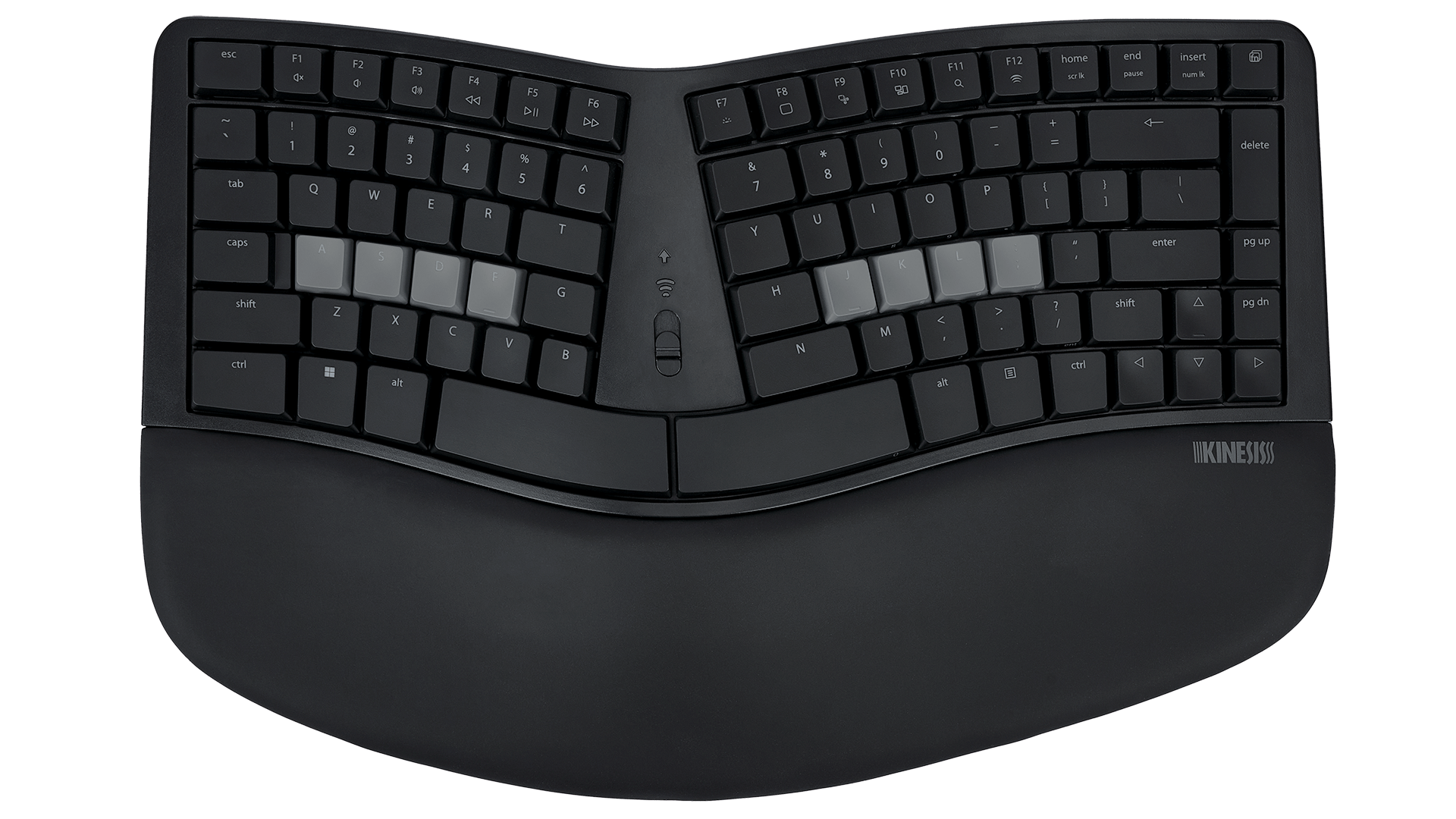
A fixed ergonomic layout, out of the box, no assembly required.
USB, or Bluetooth paired to up to 2 devices at once.
Backed directly by Kinesis’s manufacturer warranty.
A typing position built in, not bolted on
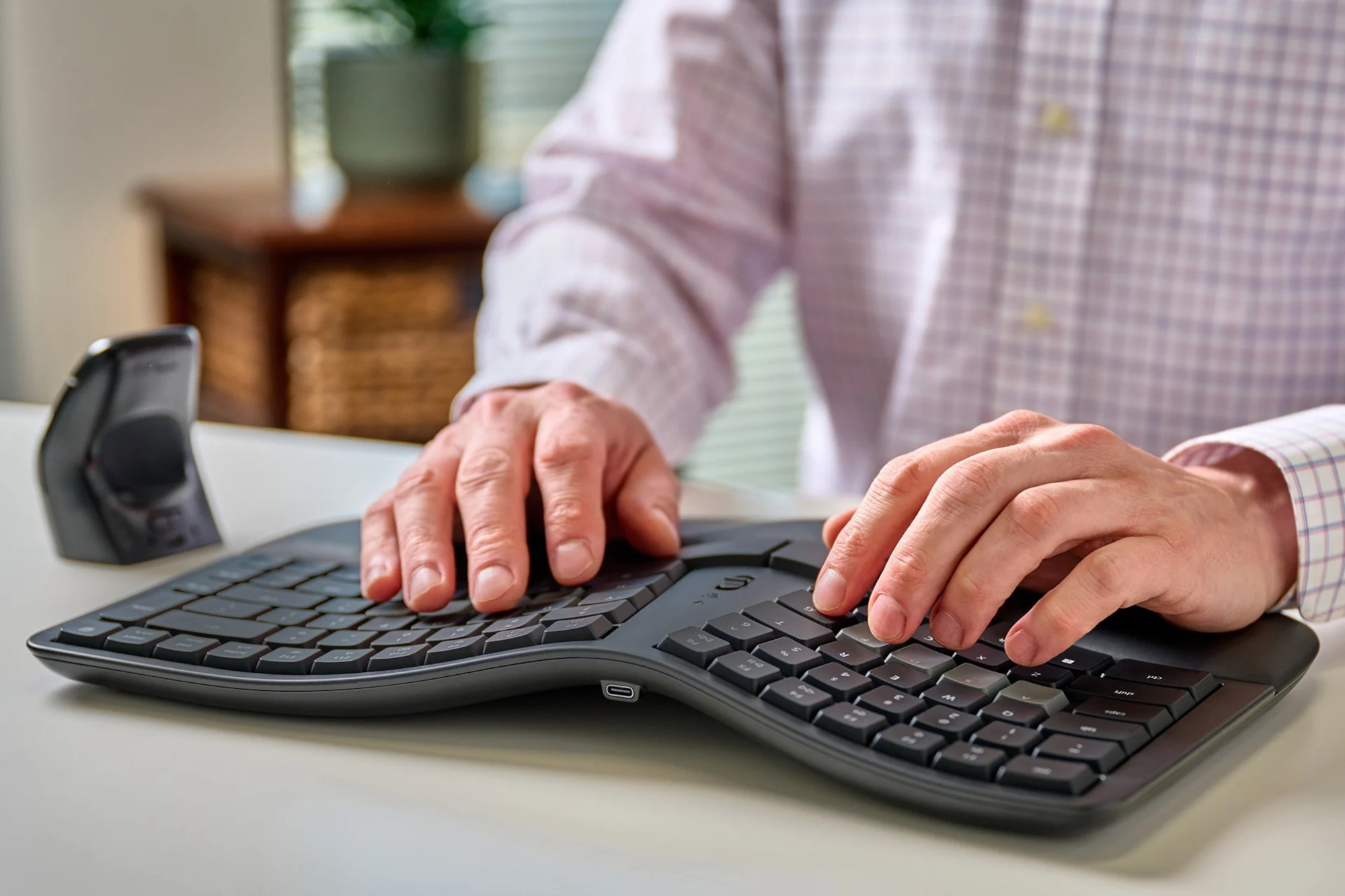
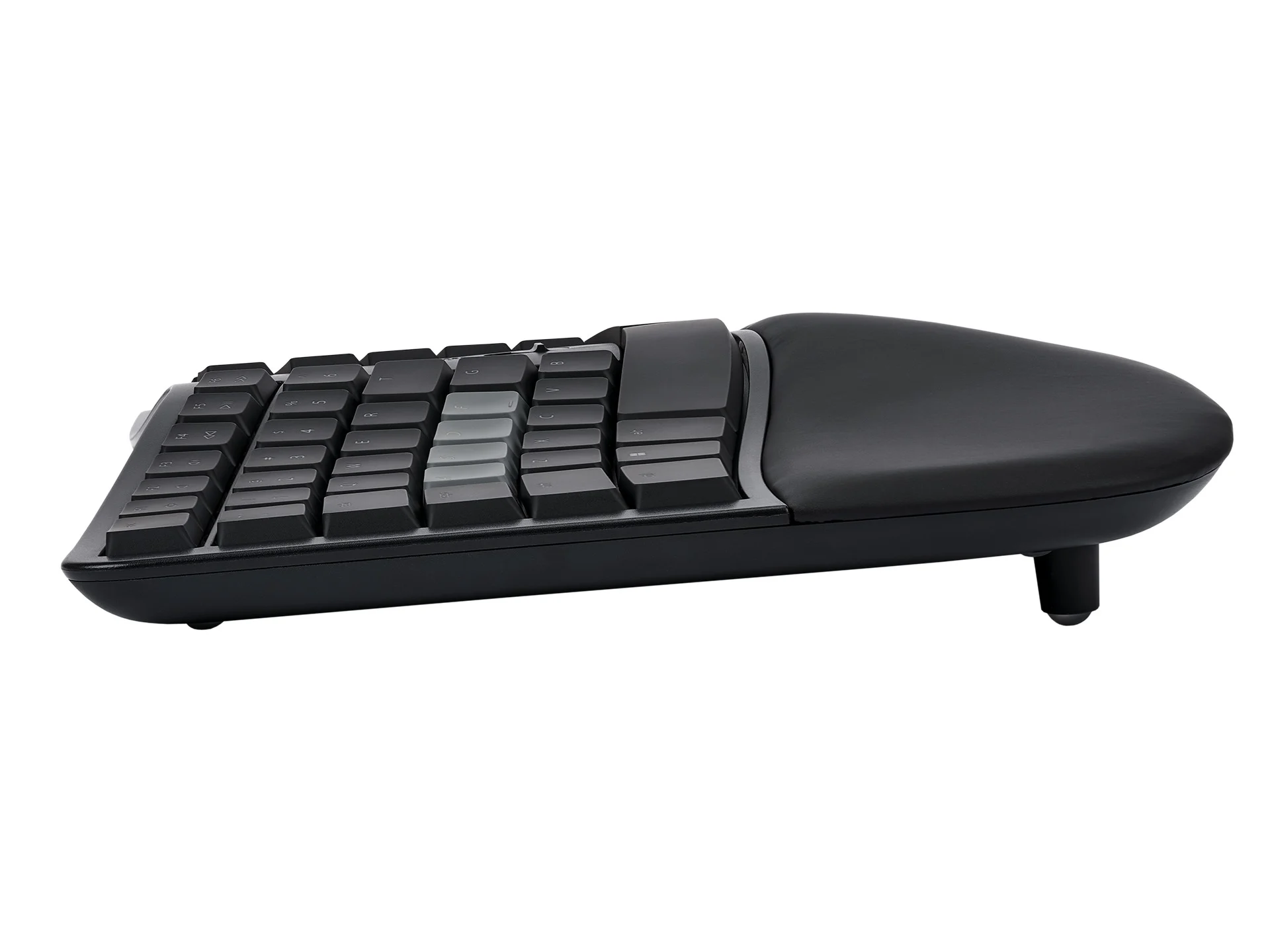
mWave keeps Kinesis’s iconic sculpted shape: a fixed split positions your hands closer to shoulder-width to reduce ulnar deviation, integrated tenting lifts the thumb side of each hand to cut forearm pronation, and a washable palm support keeps wrists in a more neutral line instead of extended over a flat deck.
Attach the included magnetic feet for a negative typing angle, which helps keep wrists relaxed rather than cocked upward.

A compact layout that keeps your mouse close
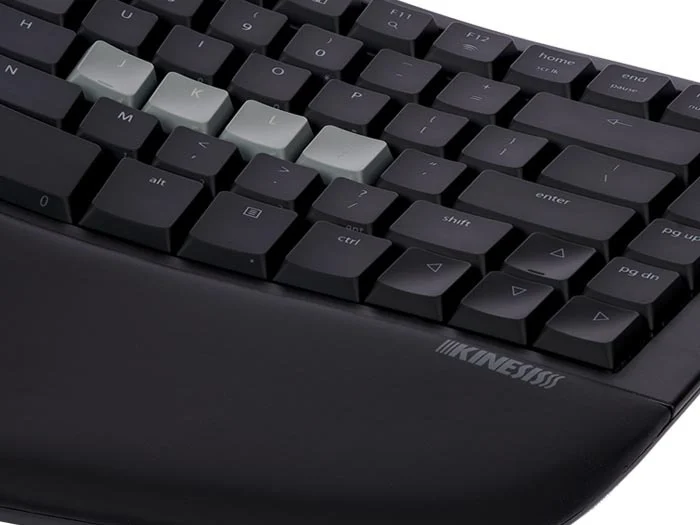
The tenkeyless layout has every key you actually use — full-size function keys, arrow keys, Home/End and Page Up/Page Down — without the bulk of a dedicated number pad. An integrated keypad sits one Fn-key press away for data entry, legended right on the front of the keycaps.
The smaller footprint means your mouse sits closer to centre, which keeps your reaching arm in a more natural position through the day.
Low profile switches, built for less strain
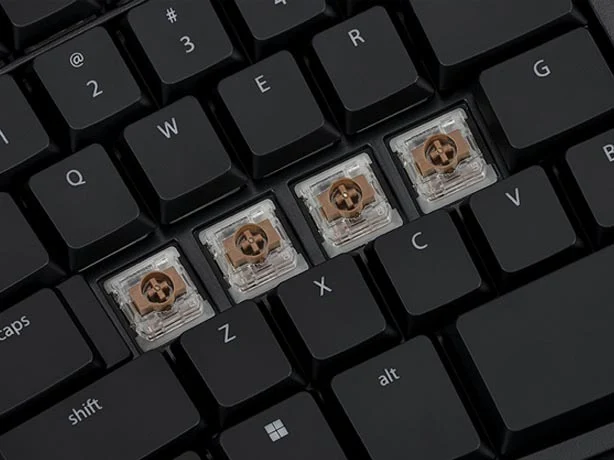
mWave uses Gateron’s Low Profile Mechanical switches (KS-33 2.0) — the same tactile feel, travel and durability as a full-height mechanical switch, without the unnecessary height.
A low 55g actuation force and a 1.3mm buffer zone mean less bottoming out on every keystroke, and each switch is rated for 60 million presses.
Switch between two devices instantly
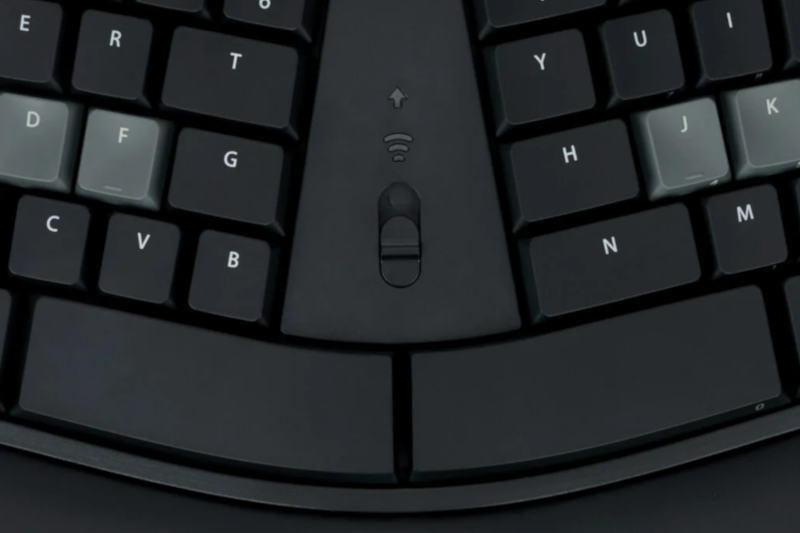
Connect over USB, or pair via Bluetooth Low Energy to up to two devices at once. A 3-position profile switch on the keyboard flips instantly between them — no re-pairing needed each time you swap between your laptop and desktop.
Wireless range is around 10 metres, and the keyboard runs on the included USB cable or 2× AA batteries, good for roughly 18 months between changes.
What’s built in
- Fixed split, tented, cushioned typing position
- Magnetic feet for an optional negative typing angle
- Gateron Low Profile Mechanical switches (KS-33 2.0)
- Tenkeyless layout with integrated Fn keypad
- 12 multimedia hotkeys
- Backlit keys when connected via USB
- Wired USB or Bluetooth wireless, 2-device multichannel
- Fully programmable via the free Kinesis Clique Engine — no software, drivers or firmware to install
Two variants
Choose the layout that matches your platform.
mWave for PC — Black
Product code KB150P-TAC · Windows layout
mWave for Mac — White
Product code KB150M-TAC · Mac layout
Specifications
| Product codes | KB150P-TAC (PC, Black) · KB150M-TAC (Mac, White) |
|---|---|
| Dimensions | 387mm (W) × 241mm (D) × 45mm (H) |
| Switches | Gateron Low Profile Mechanical (KS-33 2.0) — tactile, 55g actuation force, 3.0mm travel, 1.3mm buffer zone, rated 60 million presses |
| Connectivity | Wired USB, or Bluetooth Low Energy (BLE) — multichannel, switches instantly between 2 paired devices, ~10m range |
| Power | USB cable, or 2× AA batteries (~18 months battery life) |
| Backlighting | Active whenever connected via USB |
| Layout | Tenkeyless with integrated Fn-layer numeric keypad and 12 multimedia hotkeys |
| Programming | Kinesis Clique Engine — browser-based (Chrome or Edge), no software, drivers or firmware required |
| Operating system | Windows, macOS, iOS/iPadOS, Linux, Android, Chrome OS (plug-and-play over USB) |
| Warranty | 2 years from date of purchase. |
Specifications sourced from OPC Ergonomics’ Kinesis mWave product documentation.
5 business days standard delivery.
Ask our in-store Occupational Therapy team before you buy.
Sourced through OPC Ergonomics, Kinesis’s official Australian distributor.
Common questions
What’s the difference between the PC and Mac versions?
They’re the same keyboard with a different key layout and legends to match the platform — PC is black with a Windows layout, Mac is white with a Mac layout.
Do I need to install software to program it?
No — the Kinesis Clique Engine runs entirely in a Chrome or Edge browser. There’s nothing to download, no drivers, no firmware to flash, and changes save directly to the keyboard.
Can I connect it to more than one device?
Yes — pair up to 2 devices over Bluetooth and flip between them instantly with the 3-position profile switch, or add a third connection over wired USB.
Does the backlight work wirelessly?
No — backlighting is only active when the keyboard is connected via USB.
How long does the battery last?
Around 18 months on 2 AA batteries under typical use, or you can run it wired over USB with no battery involved at all.
What’s the warranty?
2 years from date of purchase, direct from Kinesis.
Related products
- Sale!
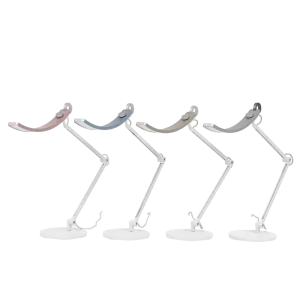
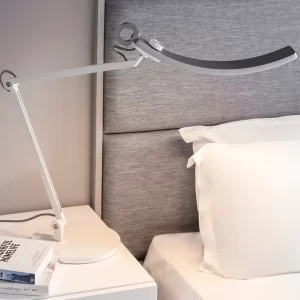
BenQ WiT e-Reading LED Desk Lamp *** Clearance Instore – Ex Display Light Available in Gold***
Price range: $300.00 through $399.00Select options This product has multiple variants. The options may be chosen on the product page -
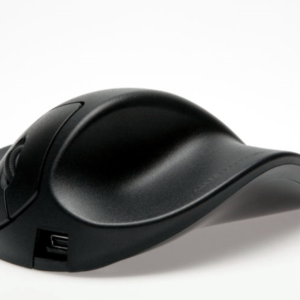
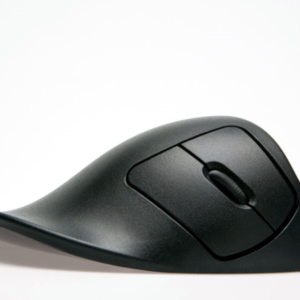
Handshoe Mouse – Right Handed
$295.00Select options This product has multiple variants. The options may be chosen on the product page -
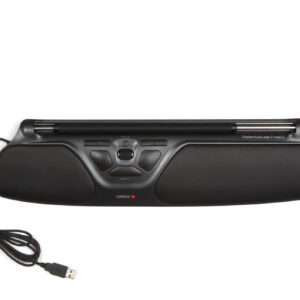
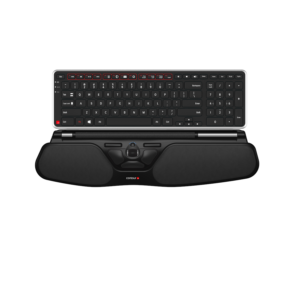
Contour RollerMouse Free3
Price range: $682.00 through $698.50Select options This product has multiple variants. The options may be chosen on the product page -
Reviews
There are no reviews yet.